Get your repair started in about 30 seconds
Fast local device repair from Fone Revive, with walk-in service at Union Street and Gloucester Road.
We repair all major devices
A practical Bristol guide to cracked glass, touch faults, black displays and deciding whether a screen repair is worthwhile. A crack does not always mean the same repair. Some phones have damaged outer glass but a working image and touch layer; others have OLED lines, black patches, flicker or no touch response. The correct decision depends on the exact model, the condition of the frame and what still works—not simply the size of the crack. Start with the image, touch response and frame. Coloured lines, ink-like black patches or a display that flashes usually point to damage below the outer glass. Test the front camera, earpiece, proximity sensor and biometric features without pressing hard on the damaged area. A bent frame or lifted screen can change the safest repair route. A fitted protector can contain loose fragments while you arrange service, but it does not restore strength or water resistance. Avoid tape over microphones, speakers and sensors. If glass is shedding, touch is erratic, the screen is lifting or the device is becoming hot, stop relying on a temporary fix and arrange an assessment. Compare the repair option with the phone’s age, storage, battery condition and replacement value. A well-kept recent device is usually easier to justify than one with several unrelated faults. Ask what display options are available, how colour and brightness may differ, what functions will be tested and what warranty applies to the fitted part. Back up important data where possible, remove the SIM and case unless requested, and note any existing camera, audio or charging issue. Bring the exact model details. A clear intake record helps separate the reported damage from unrelated or pre-existing faults and makes final testing more useful. The useful baseline is bigger than the crack itself. Check image quality, touch across the whole panel, front and rear cameras, earpiece, microphone, charging, buttons and biometrics where available. The frame is inspected for a crushed corner or bend because a replacement display fitted under mechanical stress can fail even when the new part is good. Replacement screens can differ in technology, brightness, colour, touch response and thickness. A lower-cost option may be appropriate on an older device, while a recent OLED phone may justify a display closer to the original technology. Ask what is being fitted and what trade-offs explain the price instead of comparing only the headline number. Check touch in all corners, type on the keyboard, make a call, open the cameras and confirm any biometric feature that worked before. A good repair handover should make it easy to identify an immediate related problem while the original condition and repair are still fresh. This guide is general information, not a remote diagnosis. Stop using a device that is swollen, smoking, hissing, excessively hot or otherwise unsafe. If your question is not here, call, email or message the team. Yes. Movement, pressure and moisture can extend cracks or damage the display and touch layers beneath. A normal display replacement does not intentionally erase data, but every faulty device should be backed up because data can never be guaranteed. No. Walk-ins are welcome at Union Street and Gloucester Road. If you book online, choose the store you intend to visit and continue in that branch’s booking system. No. Broadmead / Union Street and Gloucester Road have separate booking destinations so each store receives its own bookings directly. The Phone Repair Bristol booking page simply helps you choose the correct branch. Eligible repairs include the warranty stated on the booking or invoice for the fitted part and related technical fault. New impact, liquid damage and unrelated faults are excluded. Most hardware repairs do not intentionally erase data, but data can never be guaranteed on a faulty device. Back up important information whenever possible. Questions to ask about diagnosis, parts, timing, warranty, data and collection before authorising a repair. A realistic guide to same-day repairs, diagnosis time, part availability, workshop queues and final quality checks. A practical guide to finding iPhone, Samsung, Pixel, iPad, MacBook and Windows laptop model information before requesting a repair quote. A better repair decision starts with the right information, not just a price. The complete model or model code helps the team check the correct part, expected repair route and availability before you travel. A useful quote explains the known work, part choice and what could still change after diagnosis. Extra work should not be added without authorisation. Maintain a current backup where possible and avoid sending passcodes or passwords through ordinary enquiry messages. Your booking reference and invoice make aftercare, warranty questions and future repair history much easier to understand. Book an assessment, message the team or walk in at either Bristol shop.
Cracked Phone Screen: Repair, Protect or Replace?
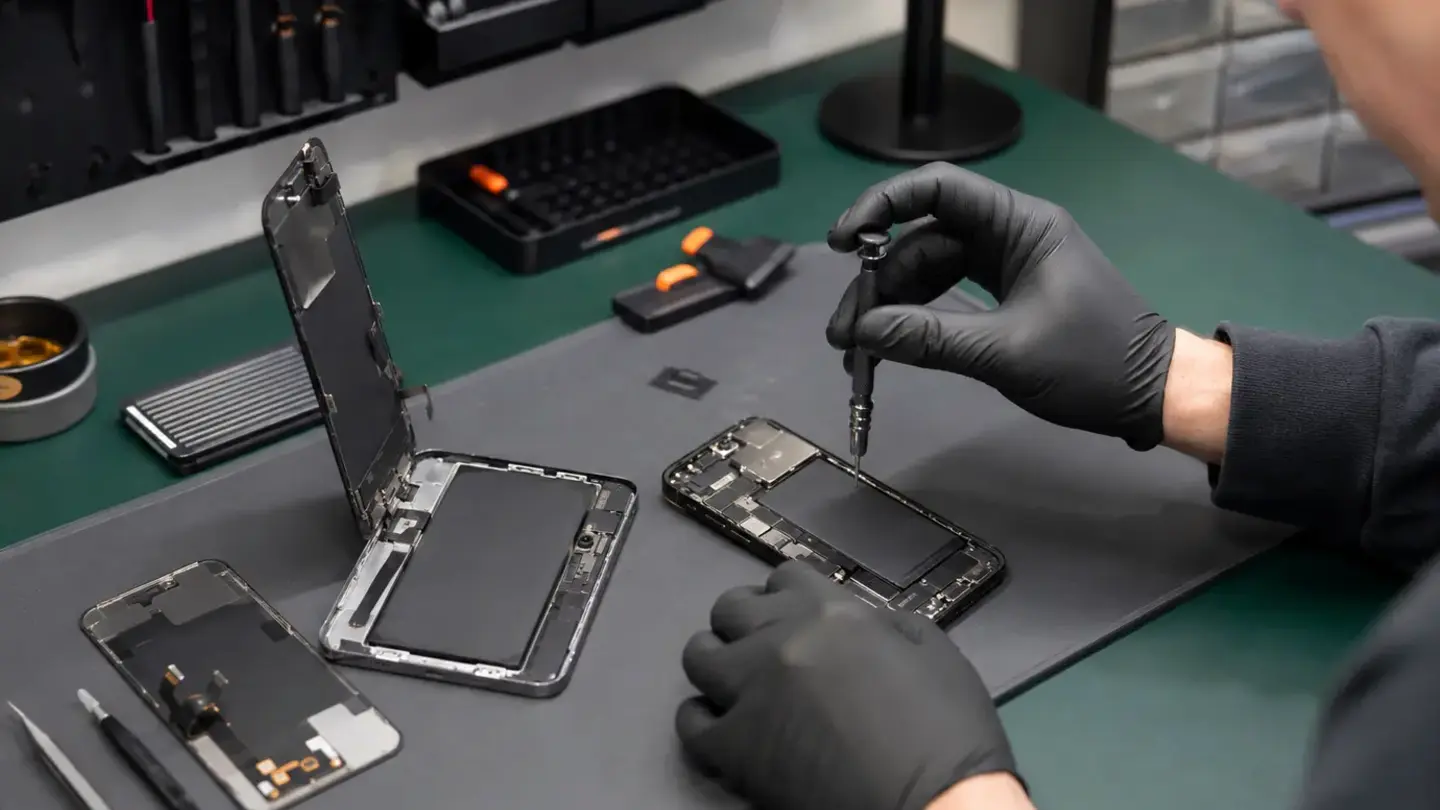
Check what has actually failed
When temporary protection is reasonable
What determines screen-repair value
Before handing over the phone
What an experienced technician checks before opening the phone
Why the cheapest screen option is not always the best value
After the repair: test before leaving
Questions about cracked phone screen: repair, protect or replace?
Can cracked glass get worse?
Will a screen repair erase my data?
Do I need an appointment?
Do both Bristol shops use the same booking system?
What warranty applies?
Will I lose my data?
Helpful guides before you book

Choosing a Phone Repair Service in Bristol: A Practical Checklist

How Long Does a Phone Repair Take in Bristol?

How to Find Your Exact Phone, Tablet or Laptop Model Before Repair
The questions worth answering before a repair
Know the exact model
Understand the quote
Protect important data
Keep the repair record
Need help with this fault?