Get your repair started in about 30 seconds
Fast local device repair from Fone Revive, with walk-in service at Union Street and Gloucester Road.
We repair all major devices
Dell, HP, Lenovo, Asus, Acer, Microsoft, MSI, Razer, Chromebook and other laptop repairs. Dell, HP, Lenovo, Asus, Acer, Microsoft, MSI, Razer and Chromebook machines differ in parts and construction. The full model or service tag prevents confusion between visually similar variants. Explain whether data, rapid return or long-term reliability is the main priority. Work and price are confirmed after the device and required route are checked. Devices in the same family can use different displays, batteries, connectors, cameras and housings. The model number, storage version, colour and regional variant help the team check likely parts before promising a price or completion time. The reported symptom is checked against visible condition, impact, liquid history, software behaviour and any previous repair. Straightforward faults may be quoted quickly; intermittent, liquid or board-level problems can require a staged assessment. Where choices exist, ask how the available parts differ and what functions will be tested. The agreed invoice should identify the work and applicable warranty, while unrelated damage, new impact, liquid and wear remain separate issues. Dell, HP, Lenovo, Asus, Acer, Microsoft, MSI and Razer often sell several internal configurations under one family name. The service tag, serial or complete model lets the workshop check the correct screen connector, battery, keyboard, fan and charging arrangement before ordering parts. A laptop that does not start can have a failed charger, DC jack or USB-C input, battery, shorted rail, power button, memory, storage or motherboard problem. LED patterns, charge indicators and current behaviour are more useful than repeatedly pressing the power button. When possible, bring the charger that was being used when the fault developed. A cracked panel is obvious, but flicker, intermittent image, dim backlight or a picture that changes as the lid moves may involve the display cable or hinge area. Testing an external monitor can help, but it is not a complete diagnosis because some graphics faults affect internal and external outputs differently. A laptop that feels slow may not simply need more RAM. Failing storage, thermal throttling, background software, limited free space or an ageing hard drive can all produce poor performance. Before upgrading, the existing drive health, memory configuration and workload should be considered so money is spent on the bottleneck that actually matters. A stiff hinge can pull brass inserts out of the palm rest or lid and can eventually damage the display cable. If the case separates when opening, stop forcing it. A lasting repair needs the hinge resistance and mounting structure considered together, rather than simply gluing a cracked cosmetic panel back into place. Dust, blocked vents, fan failure, degraded thermal interface material or a damaged heat pipe can cause noise, throttling, shutdown or battery complaints. Temperatures should be interpreted alongside load and fan behaviour. Repeated thermal shutdown is a warning to stop heavy use until the cooling path is checked. Start typing an iPhone, Galaxy, Pixel, Huawei, MacBook, laptop, tablet or console model. Can’t find it? Type the model manually in the booking form or bring it in for identification. Choose the closest symptom. A technician can confirm the exact cause after inspection. Cracked glass, touch faults, lines, black display and OLED damage. Rapid drain, unexpected shutdowns, swelling and poor battery health. Loose ports, no charge, power faults and damaged charging connectors. Rear-glass and housing replacement with careful device protection. Camera focus, black image, shaking, lens glass and module faults. Quiet sound, call audio, microphone, earpiece and loudspeaker faults. Power, volume, mute and damaged side-button flex repairs. Assessment for biometric, proximity and related sensor faults. If your question is not here, call, email or message the team. No. Slow storage, overheating, low free space, background software and failing hardware can create the same complaint. The actual bottleneck should be identified first. If the case is separating or the screen changes as the lid moves, continued opening can damage cables, the display and mounting points. Keep movement to a minimum and arrange inspection. The exact model, reported symptom, visible condition and related functions are checked before a repair route is confirmed. Testing helps avoid replacing a part that does not address the cause. Model variant, part choice, stock, frame or housing condition, previous work and additional faults found during inspection can affect price. Material changes should be authorised before work continues. Common repairs may be available the same day when parts and capacity allow. Complex diagnosis, liquid damage, data work and board repair generally need longer. Back up important data where possible, identify the exact model and note liquid, impact, previous repair and intermittent symptoms. No. Walk-ins are welcome at Union Street and Gloucester Road. If you book online, choose the store you intend to visit and continue in that branch’s booking system. No. Broadmead / Union Street and Gloucester Road have separate booking destinations so each store receives its own bookings directly. The Phone Repair Bristol booking page simply helps you choose the correct branch. Questions to ask about diagnosis, parts, timing, warranty, data and collection before authorising a repair. A realistic guide to same-day repairs, diagnosis time, part availability, workshop queues and final quality checks. A practical Bristol framework for comparing repair cost, Mac age, performance, data, software support and reliability. A better repair decision starts with the right information, not just a price. For charging, no-power and intermittent faults, the charger and cable being used can be part of the evidence. Bring them when agreed with the team. A data-critical MacBook or laptop may need a different diagnostic strategy from a machine where the operating system can safely be reinstalled. Corrosion, hinge damage, previous board repair and missing internal parts can change both feasibility and price. Accurate history helps the technician avoid repeating failed work. Consider the computer’s performance, software support, storage, battery, screen and overall condition—not just the headline cost of the current fault. Choose Broadmead / Union Street or Gloucester Road, then continue to that shop’s own booking system. Walk-ins remain welcome.
Laptop Repair Bristol
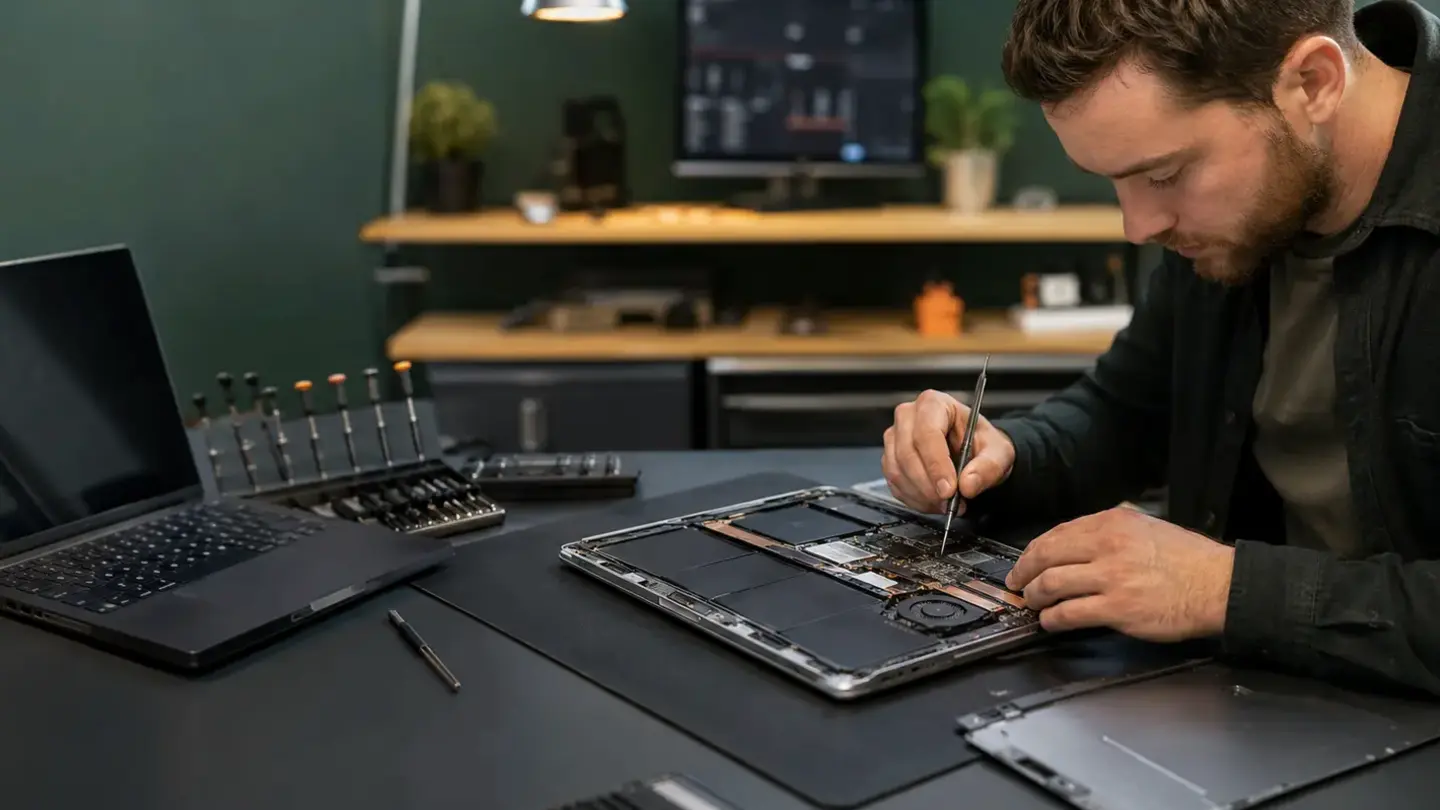
Laptop repair for work, study and everyday use
Model identification matters
Diagnosis before authorisation
Parts, testing and aftercare
The service tag or full model matters more than the logo
No-power diagnosis follows the input path
Screen faults can come from the panel, cable, hinge or graphics path
Storage and memory health affect performance repairs
Hinges and housings are structural repairs
Thermal faults can imitate other problems
Search your device model
Repairs for the faults that interrupt your day
Screen replacement
Battery replacement
Charging & power
Back glass & housing
Camera & lens repair
Speaker & microphone
Buttons & switches
Face ID & fingerprint
A clearer repair journey
Questions about laptop & macbook repair
Is a slow laptop always fixed by adding RAM?
Should I stop using a laptop with a broken hinge?
How is laptop & macbook repair diagnosed?
What can change the quoted price?
How long should I allow?
What should I do before booking?
Do I need an appointment?
Do both Bristol shops use the same booking system?
Helpful guides before you book

Choosing a Phone Repair Service in Bristol: A Practical Checklist

How Long Does a Phone Repair Take in Bristol?
Should You Repair or Replace a MacBook?
The questions worth answering before a repair
Bring the power setup when relevant
Say whether the files are backed up
Describe liquid, drops and previous work
Compare repair with replacement realistically
Ready to get your device checked?