Get your repair started in about 30 seconds
Fast local device repair from Fone Revive, with walk-in service at Union Street and Gloucester Road.
We repair all major devices
MacBook Air and MacBook Pro screen, battery, keyboard, trackpad, liquid-damage and logic-board assessment. A blank display, failed charge, keyboard problem or trackpad fault can involve cables, ports, batteries or board-level circuits. Model year, chip family and liquid history shape the diagnostic route. Back up if safe and bring the charger when power behaviour is part of the fault. Work and price are confirmed after the device and required route are checked. Devices in the same family can use different displays, batteries, connectors, cameras and housings. The model number, storage version, colour and regional variant help the team check likely parts before promising a price or completion time. The reported symptom is checked against visible condition, impact, liquid history, software behaviour and any previous repair. Straightforward faults may be quoted quickly; intermittent, liquid or board-level problems can require a staged assessment. Where choices exist, ask how the available parts differ and what functions will be tested. The agreed invoice should identify the work and applicable warranty, while unrelated damage, new impact, liquid and wear remain separate issues. MacBook Air and MacBook Pro machines can share a similar exterior while using different displays, batteries, keyboards, USB-C boards and logic-board layouts. The model identifier or A-number, approximate year and whether the machine is Intel or Apple silicon are useful before parts are discussed. Storage and memory may also be integrated differently depending on generation. A MacBook can show no visible image because of the display assembly, backlight circuit, flex cable, lid-angle related fault, graphics path, firmware or power issue. External-display behaviour, keyboard response, charging state and whether the machine appears to boot all help separate a display problem from a logic-board problem. On USB-C MacBooks, the charger, cable, individual port, USB-C controller, battery and logic-board power rails are part of the same diagnostic chain. A machine that charges on one side but not the other, draws no power, repeatedly cycles, or becomes warm in one area gives different clues. Replacing the battery without measuring the input path can miss the real cause. A swollen battery can raise the trackpad or distort the lower case, while liquid entering through the keyboard can affect the keyboard matrix, trackpad communication and logic board. Some MacBook generations integrate these parts into larger top-case assemblies. Physical inspection is important before quoting a single key or trackpad as an isolated repair. With MacBooks, even a small spill can travel beneath the keyboard and onto connectors or logic-board areas. The machine may continue working for hours or days before corrosion creates charging, keyboard, display or no-power faults. Repeatedly powering a wet board can expand the damage. Early inspection is normally more useful than drying the outside and continuing to use it. A component-level repair may restore the original MacBook, but when irreplaceable data is the priority the diagnostic strategy should protect that goal. Modern encryption and integrated storage can make data access dependent on the original logic board and its security architecture. That is why a dead MacBook with important files should not be reset, erased or have major board assemblies exchanged before the data objective is discussed. Start typing an iPhone, Galaxy, Pixel, Huawei, MacBook, laptop, tablet or console model. Can’t find it? Type the model manually in the booking form or bring it in for identification. Choose the closest symptom. A technician can confirm the exact cause after inspection. Cracked glass, touch faults, lines, black display and OLED damage. Rapid drain, unexpected shutdowns, swelling and poor battery health. Loose ports, no charge, power faults and damaged charging connectors. Rear-glass and housing replacement with careful device protection. Camera focus, black image, shaking, lens glass and module faults. Quiet sound, call audio, microphone, earpiece and loudspeaker faults. Power, volume, mute and damaged side-button flex repairs. Assessment for biometric, proximity and related sensor faults. If your question is not here, call, email or message the team. Yes. Keyboard response, charging behaviour, external-display output and backlight tests can show that the computer is booting even when the internal display path has failed. The charger and cable are part of the power path. Testing a known-good compatible source helps separate accessory, port, battery and logic-board faults. The exact model, reported symptom, visible condition and related functions are checked before a repair route is confirmed. Testing helps avoid replacing a part that does not address the cause. Model variant, part choice, stock, frame or housing condition, previous work and additional faults found during inspection can affect price. Material changes should be authorised before work continues. Common repairs may be available the same day when parts and capacity allow. Complex diagnosis, liquid damage, data work and board repair generally need longer. Back up important data where possible, identify the exact model and note liquid, impact, previous repair and intermittent symptoms. No. Walk-ins are welcome at Union Street and Gloucester Road. If you book online, choose the store you intend to visit and continue in that branch’s booking system. No. Broadmead / Union Street and Gloucester Road have separate booking destinations so each store receives its own bookings directly. The Phone Repair Bristol booking page simply helps you choose the correct branch. How liquid can affect a MacBook trackpad, cable, battery and logic board—and what a useful inspection should include. Questions to ask about diagnosis, parts, timing, warranty, data and collection before authorising a repair. A realistic guide to same-day repairs, diagnosis time, part availability, workshop queues and final quality checks. A better repair decision starts with the right information, not just a price. For charging, no-power and intermittent faults, the charger and cable being used can be part of the evidence. Bring them when agreed with the team. A data-critical MacBook or laptop may need a different diagnostic strategy from a machine where the operating system can safely be reinstalled. Corrosion, hinge damage, previous board repair and missing internal parts can change both feasibility and price. Accurate history helps the technician avoid repeating failed work. Consider the computer’s performance, software support, storage, battery, screen and overall condition—not just the headline cost of the current fault. Choose Broadmead / Union Street or Gloucester Road, then continue to that shop’s own booking system. Walk-ins remain welcome.
MacBook Repair Bristol
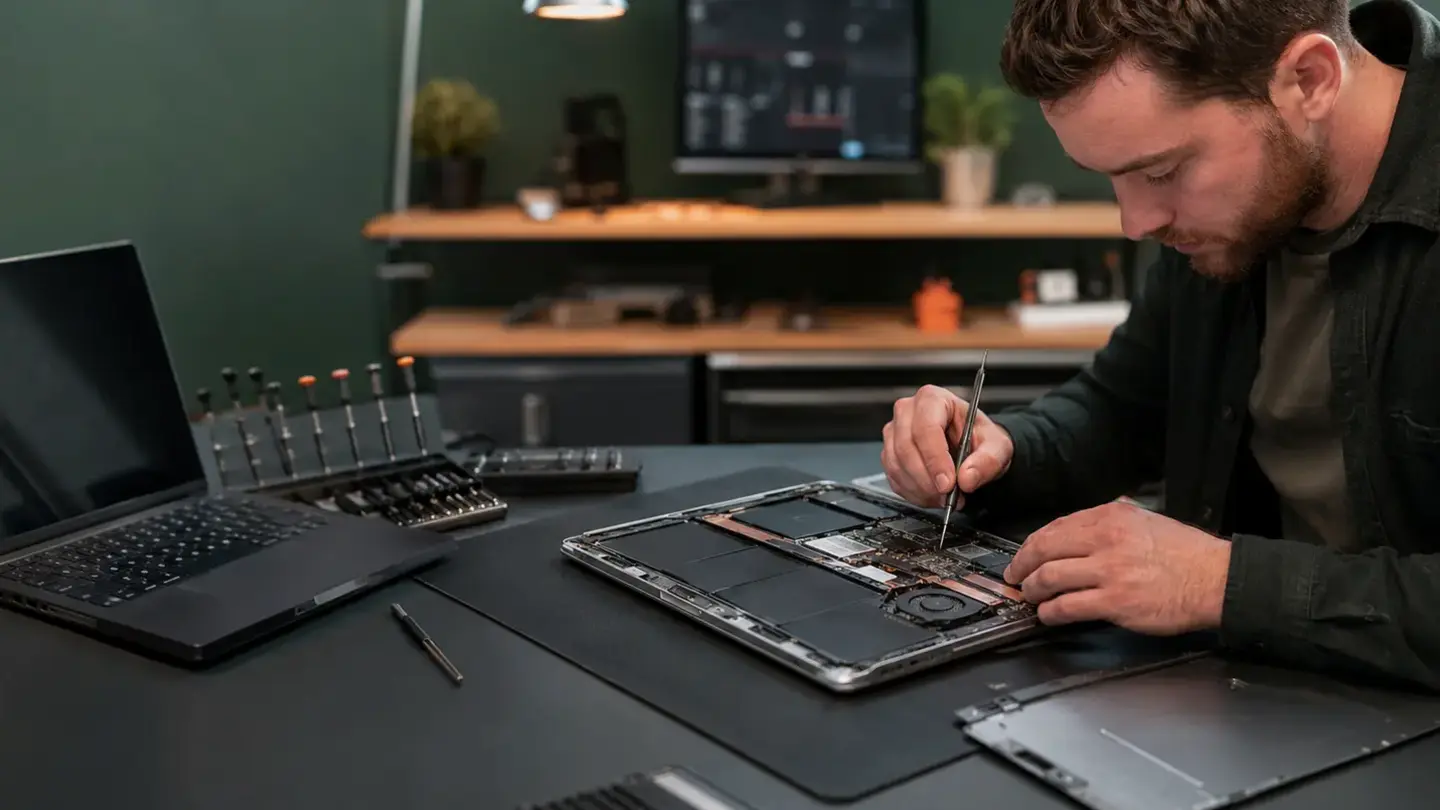
MacBook Air and Pro diagnosis that looks beyond the symptom
Model identification matters
Diagnosis before authorisation
Parts, testing and aftercare
MacBook identification starts with year, chip and model number
No display does not automatically mean a failed screen
USB-C charging needs power-path diagnosis
Keyboard, trackpad and battery faults can be connected
Liquid damage requires corrosion-led inspection
Logic-board repair and data recovery are different goals
Search your device model
Repairs for the faults that interrupt your day
Screen replacement
Battery replacement
Charging & power
Back glass & housing
Camera & lens repair
Speaker & microphone
Buttons & switches
Face ID & fingerprint
A clearer repair journey
Questions about macbook repair
Can a MacBook with a black screen still be running?
Why should I bring the charger with a no-power MacBook?
How is macbook repair diagnosed?
What can change the quoted price?
How long should I allow?
What should I do before booking?
Do I need an appointment?
Do both Bristol shops use the same booking system?
Helpful guides before you book
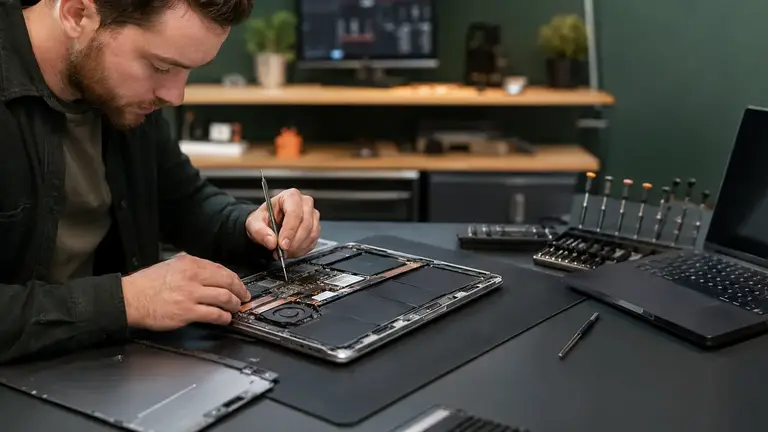
MacBook Liquid Damage: Trackpad Fault or Logic-Board Problem?

Choosing a Phone Repair Service in Bristol: A Practical Checklist

How Long Does a Phone Repair Take in Bristol?
The questions worth answering before a repair
Bring the power setup when relevant
Say whether the files are backed up
Describe liquid, drops and previous work
Compare repair with replacement realistically
Ready to get your device checked?