Get your repair started in about 30 seconds
Fast local device repair from Fone Revive, with walk-in service at Union Street and Gloucester Road.
We repair all major devices
How liquid can affect a MacBook trackpad, cable, battery and logic board—and what a useful inspection should include. After liquid exposure, a MacBook may appear normal except for a trackpad or keyboard fault. That does not prove the damage is isolated. Liquid can travel through gaps, cables and screw points, leaving corrosion that develops after the original spill. Booting successfully confirms only that essential circuits currently operate. The trackpad cable, keyboard, battery connector and logic board can be affected differently. Corrosion may be local or spread across several areas, and intermittent symptoms can appear as residue changes with heat and humidity. The technician should record the spill history, test the reported functions and inspect accessible areas for contamination. Depending on the model and findings, this may include the trackpad, cable connections, battery area and relevant logic-board zones. Ask whether diagnostic work is chargeable and whether it is deducted from an accepted repair. A damaged cable or trackpad may be resolved at part level. Corroded connectors, missing power rails or communication faults may require board-level diagnosis and microsoldering. The best route depends on evidence from testing; replacing several parts speculatively can be less economical than locating the fault first. If the MacBook still starts, make a current backup before further deterioration, provided it is safe to do so. Tell the repairer whether data is the priority or whether you need a reliable everyday machine. Repair-for-data and repair-for-long-term-use can lead to different recommendations. A spill may enter through the keyboard and leave the keys apparently normal while liquid reaches the trackpad cable, battery connector or logic board beneath. The first visible symptom could be charging failure, no backlight or random shutdown rather than a keyboard problem. Internal inspection is therefore more informative than judging the spill by the keys alone. On many modern MacBooks, storage and security are closely integrated with the original logic board. When data is important, a component-level repair that restores the original board can preserve access that a full logic-board replacement would not. The data objective should be discussed before destructive or board-swapping steps. Even after a successful repair, extensive corrosion history matters. Some areas may be cleaned and restored while hidden contamination remains in connectors or layered board structures. A professional repairer should distinguish between “working now” and “expected to be as reliable as an unaffected machine.” This guide is general information, not a remote diagnosis. Stop using a device that is swollen, smoking, hissing, excessively hot or otherwise unsafe. If your question is not here, call, email or message the team. It can, but the symptom alone cannot confirm that other areas are clean. Inspection is needed to assess the wider condition. No. Feasibility depends on corrosion, board damage, parts, data priorities and cost relative to the machine’s value. No. Walk-ins are welcome at Union Street and Gloucester Road. If you book online, choose the store you intend to visit and continue in that branch’s booking system. No. Broadmead / Union Street and Gloucester Road have separate booking destinations so each store receives its own bookings directly. The Phone Repair Bristol booking page simply helps you choose the correct branch. Eligible repairs include the warranty stated on the booking or invoice for the fitted part and related technical fault. New impact, liquid damage and unrelated faults are excluded. Most hardware repairs do not intentionally erase data, but data can never be guaranteed on a faulty device. Back up important information whenever possible. Questions to ask about diagnosis, parts, timing, warranty, data and collection before authorising a repair. A realistic guide to same-day repairs, diagnosis time, part availability, workshop queues and final quality checks. A practical guide to finding iPhone, Samsung, Pixel, iPad, MacBook and Windows laptop model information before requesting a repair quote. A better repair decision starts with the right information, not just a price. The complete model or model code helps the team check the correct part, expected repair route and availability before you travel. A useful quote explains the known work, part choice and what could still change after diagnosis. Extra work should not be added without authorisation. Maintain a current backup where possible and avoid sending passcodes or passwords through ordinary enquiry messages. Your booking reference and invoice make aftercare, warranty questions and future repair history much easier to understand. Book an assessment, message the team or walk in at either Bristol shop.
MacBook Liquid Damage: Trackpad Fault or Logic-Board Problem?
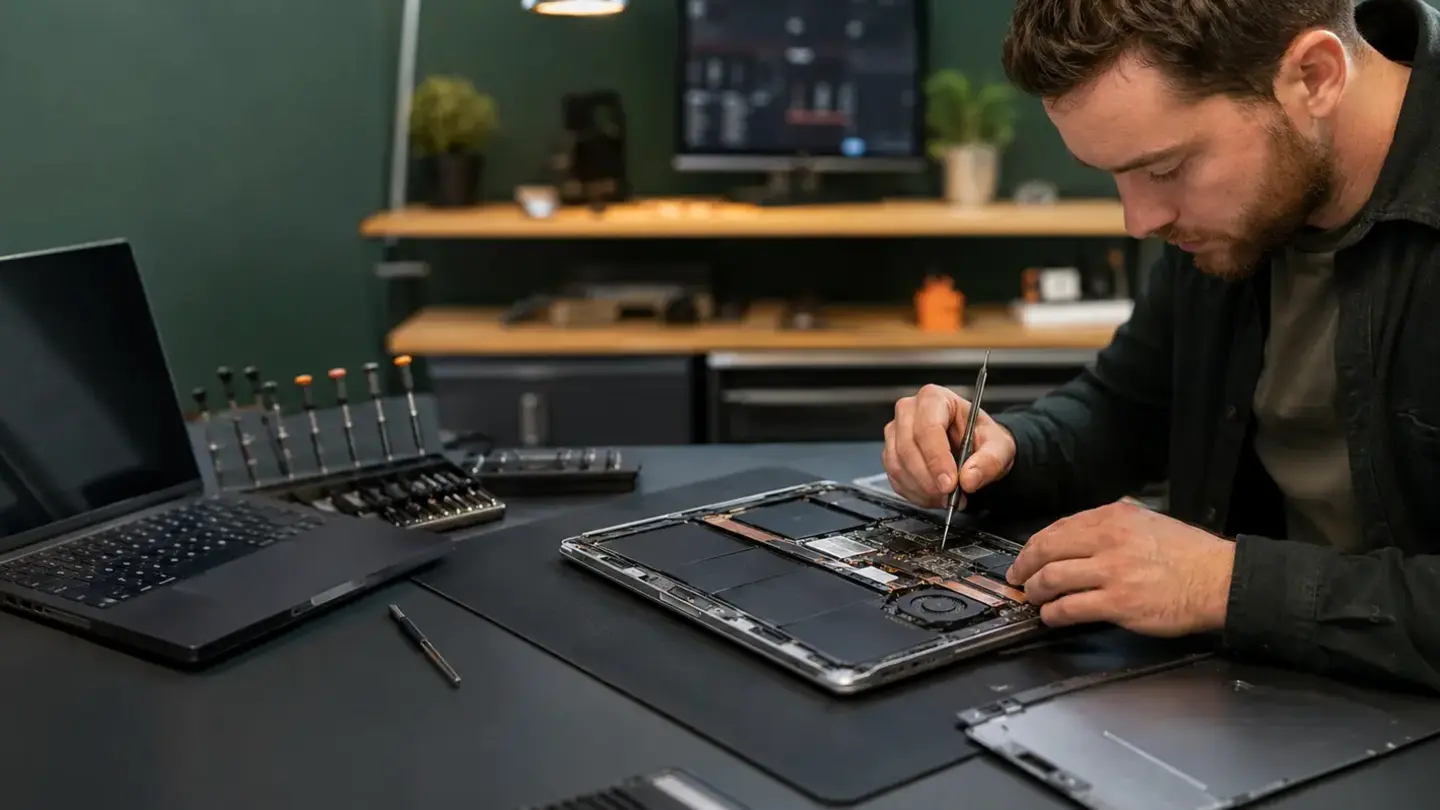
Why a working MacBook still needs assessment
What a useful inspection covers
Part replacement versus board repair
Protect data and set priorities
Why the keyboard can hide the real damage
Board repair can preserve original data paths
Corrosion evidence should shape the reliability conversation
Questions about macbook liquid damage: trackpad fault or logic-board problem?
Can liquid damage affect only the trackpad?
Is component-level MacBook repair always possible?
Do I need an appointment?
Do both Bristol shops use the same booking system?
What warranty applies?
Will I lose my data?
Helpful guides before you book

Choosing a Phone Repair Service in Bristol: A Practical Checklist

How Long Does a Phone Repair Take in Bristol?

How to Find Your Exact Phone, Tablet or Laptop Model Before Repair
The questions worth answering before a repair
Know the exact model
Understand the quote
Protect important data
Keep the repair record
Need help with this fault?