Get your repair started in about 30 seconds
Fast local device repair from Fone Revive, with walk-in service at Union Street and Gloucester Road.
We repair all major devices
How to choose a repair strategy when the photos and files matter more than returning the damaged device to daily use. When a damaged device contains irreplaceable photos or work files, the goal must be stated clearly. A repair intended only to make the device stable enough to copy data can differ from a repair intended for long-term daily use. Tell the technician whether the data is backed up, which files matter and whether the device must remain intact for account or security reasons. Avoid factory resets, software restores and repeated update attempts until the consequences are understood. Some actions that improve booting can reduce later recovery options. Failure may come from storage, board power, display, charging, software corruption or account encryption. Modern phones and computers protect data with hardware-linked encryption, so removing a storage chip is rarely a simple route. Recovery often requires enough of the original device to operate correctly and accept its passcode. Data-recovery work can involve extended diagnosis and may not succeed. Ask what the assessment covers, when charges apply and whether any amount is due if no usable data is recovered. No responsible provider should promise a result before understanding the device and failure mode. After recovery, keep at least two copies of important files, with one stored separately from the device. Check that cloud photos, contacts and computer backups are actually updating. A backup that has not been tested should not be treated as the only copy. When data is the priority, unnecessary updates, restores, resets and repeated boot attempts should stop. Each write or power cycle can matter on unstable storage or liquid-damaged electronics. A technician first decides whether the device should be stabilised, cloned, repaired enough to boot or referred for specialist storage work. Customers often believe a photo or document is backed up because it appears in a cloud-linked application. Check the service from another device or browser before erasing anything. Some folders may have been local-only, synchronisation may have paused, or the account storage may have been full. A technically successful hardware repair may still require the correct passcode, Apple ID, Google account, Microsoft account or recovery key to access protected information. Prepare those credentials securely, but do not publish them in a normal booking message. This guide is general information, not a remote diagnosis. Stop using a device that is swollen, smoking, hissing, excessively hot or otherwise unsafe. If your question is not here, call, email or message the team. No. Faulty storage, encryption and board damage can prevent recovery even with skilled diagnosis. Repeated power attempts can worsen some liquid or electrical faults. Stop and ask for advice when important data is at risk. No. Walk-ins are welcome at Union Street and Gloucester Road. If you book online, choose the store you intend to visit and continue in that branch’s booking system. No. Broadmead / Union Street and Gloucester Road have separate booking destinations so each store receives its own bookings directly. The Phone Repair Bristol booking page simply helps you choose the correct branch. Eligible repairs include the warranty stated on the booking or invoice for the fitted part and related technical fault. New impact, liquid damage and unrelated faults are excluded. Most hardware repairs do not intentionally erase data, but data can never be guaranteed on a faulty device. Back up important information whenever possible. Questions to ask about diagnosis, parts, timing, warranty, data and collection before authorising a repair. A realistic guide to same-day repairs, diagnosis time, part availability, workshop queues and final quality checks. A practical guide to finding iPhone, Samsung, Pixel, iPad, MacBook and Windows laptop model information before requesting a repair quote. A better repair decision starts with the right information, not just a price. The complete model or model code helps the team check the correct part, expected repair route and availability before you travel. A useful quote explains the known work, part choice and what could still change after diagnosis. Extra work should not be added without authorisation. Maintain a current backup where possible and avoid sending passcodes or passwords through ordinary enquiry messages. Your booking reference and invoice make aftercare, warranty questions and future repair history much easier to understand. Book an assessment, message the team or walk in at either Bristol shop.
Data Recovery or Device Repair: Which Should Come First?
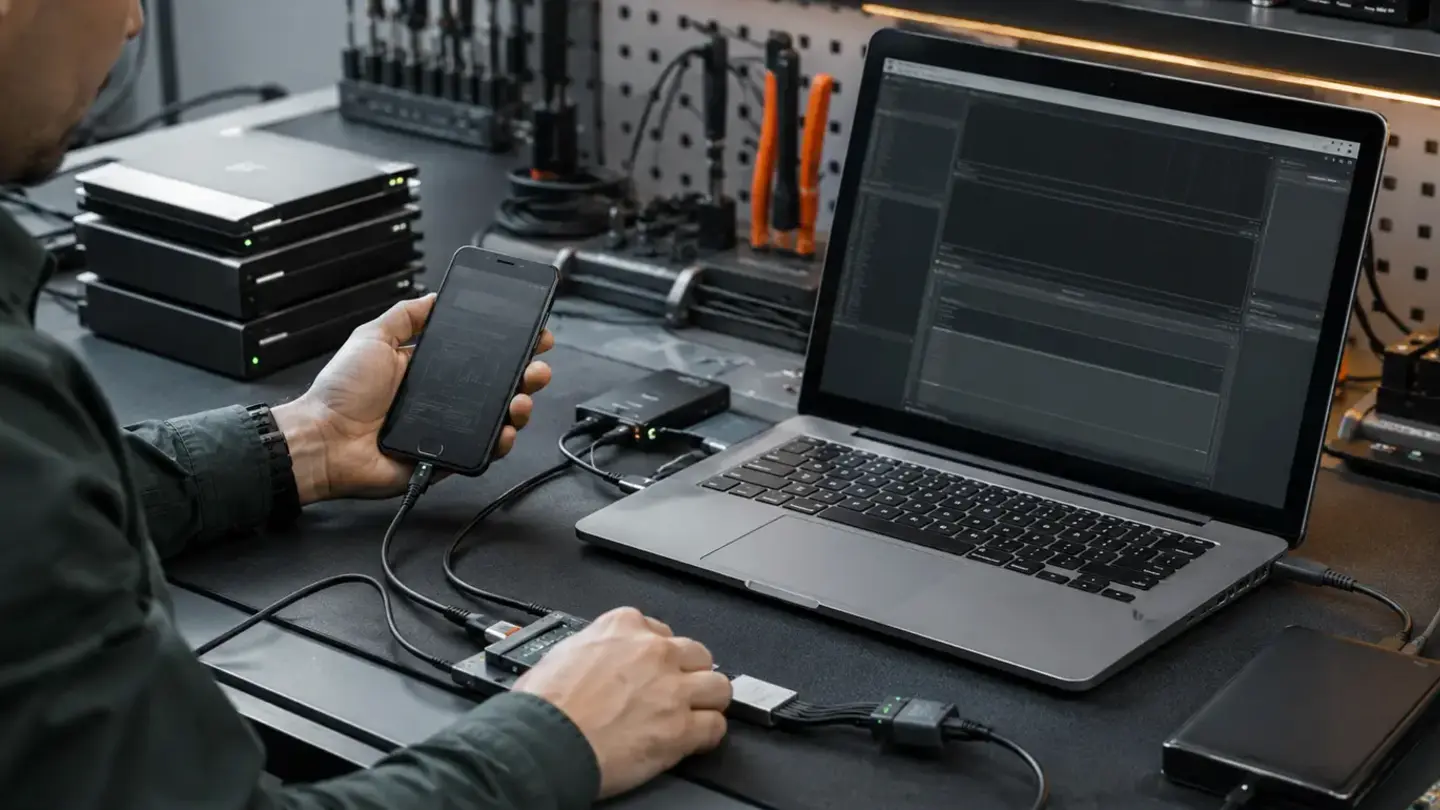
Define the priority before work starts
Hardware, software and account barriers
Understand uncertainty and charging
Prevent the next emergency
Recovery starts by preserving the original state
Cloud backup assumptions should be verified
Encrypted devices make credentials part of the recovery path
Questions about data recovery or device repair: which should come first?
Can data be guaranteed?
Should I keep trying to power on a damaged device?
Do I need an appointment?
Do both Bristol shops use the same booking system?
What warranty applies?
Will I lose my data?
Helpful guides before you book

Choosing a Phone Repair Service in Bristol: A Practical Checklist

How Long Does a Phone Repair Take in Bristol?

How to Find Your Exact Phone, Tablet or Laptop Model Before Repair
The questions worth answering before a repair
Know the exact model
Understand the quote
Protect important data
Keep the repair record
Need help with this fault?