How impact, display damage, sensor alignment, paired components and software can affect Face ID and fingerprint systems after a phone is damaged. Biometric faults are often more complex than ordinary camera or button repairs. Face recognition and fingerprint systems may depend on paired, calibrated or security-sensitive components. The most useful starting point is whether the feature worked immediately before the impact, liquid exposure or previous repair. A cracked display can coexist with a pre-existing Face ID or fingerprint problem. Checking the feature before opening the phone creates a clear baseline. If the screen is too damaged to test safely, that limitation should be recorded rather than assuming the biometric system is healthy. Impact near the top of a phone can affect front-sensor assemblies, while under-display fingerprint systems depend on the display stack and sensor area. Side-mounted fingerprint readers can be integrated into the power-button assembly. The exact architecture changes by model. Some security-related sensors are tied to the original device or require supported calibration. Replacing a damaged component with a physically compatible part may not automatically restore every biometric feature. The repair route should be explained before work is authorised. If the fault started immediately after a drop or repair, erasing the phone can create account and data problems without fixing a damaged sensor. Hardware condition and previous work should be assessed before destructive software troubleshooting. This guide is general information, not a remote diagnosis. Stop using a device that is swollen, smoking, hissing, excessively hot or otherwise unsafe. If your question is not here, call, email or message the team. No. Repairability depends on the exact model, failed component, physical condition, pairing or calibration requirements and previous work. On some models, yes. The display technology, sensor arrangement and calibration can affect under-display fingerprint behaviour. No. Walk-ins are welcome at Union Street and Gloucester Road. Booking helps the team prepare and gives you a preferred time. The website records a preferred slot. The team confirms availability after checking the fault, parts and workshop capacity. Eligible repairs include the warranty stated on the booking or invoice for the fitted part and related technical fault. New impact, liquid damage and unrelated faults are excluded. Most hardware repairs do not intentionally erase data, but data can never be guaranteed on a faulty device. Back up important information whenever possible. Questions to ask about diagnosis, parts, timing, warranty, data and collection before authorising a repair. A realistic guide to same-day repairs, diagnosis time, part availability, workshop queues and final quality checks. A practical guide to finding iPhone, Samsung, Pixel, iPad, MacBook and Windows laptop model information before requesting a repair quote. A better repair decision starts with the right information, not just a price. The complete model or model code helps the team check the correct part, expected repair route and availability before you travel. A useful quote explains the known work, part choice and what could still change after diagnosis. Extra work should not be added without authorisation. Maintain a current backup where possible and avoid sending passcodes or passwords through ordinary enquiry messages. Your booking reference and invoice make aftercare, warranty questions and future repair history much easier to understand. Book an assessment, message the team or walk in at either Bristol shop.
Why Face ID or Fingerprint Can Stop Working After Screen or Impact Damage
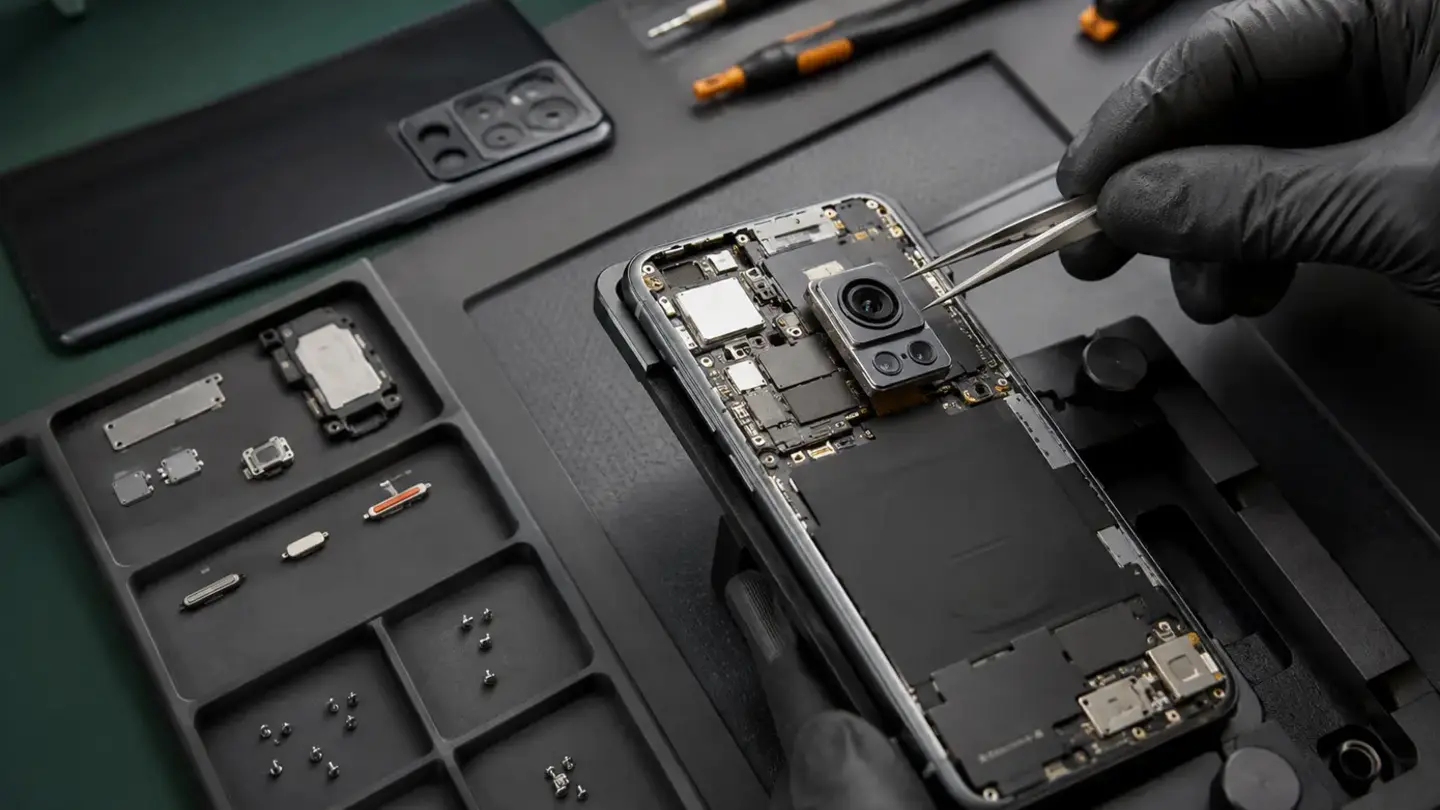
Document the biometric feature before screen work
Sensors can be physically displaced or damaged
Paired components limit simple part swapping
Software resets are rarely the first answer after physical damage
Questions about why face id or fingerprint can stop working after screen or impact damage
Can every Face ID or fingerprint fault be repaired?
Can a screen replacement affect fingerprint performance?
Do I need an appointment?
Is the selected time guaranteed?
What warranty applies?
Will I lose my data?
Helpful guides before you book

Choosing a Phone Repair Service in Bristol: A Practical Checklist

How Long Does a Phone Repair Take in Bristol?

How to Find Your Exact Phone, Tablet or Laptop Model Before Repair
The questions worth answering before a repair
Know the exact model
Understand the quote
Protect important data
Keep the repair record
Need help with this fault?
Important