Immediate steps after water or drink exposure, common mistakes to avoid and what professional inspection can reveal. Liquid damage keeps changing after the outside looks dry. Moisture and contamination can remain beneath shields and connectors, while power encourages corrosion and short circuits. The first hour is about reducing further damage rather than proving that the phone still turns on. Remove the charging cable and switch the device off if it is safe and responsive. Do not repeatedly press buttons to test it. Remove an external case and wipe the outside with a dry, lint-free cloth. Keep liquid away from your face and skin if the exposure involved chemicals or an unknown substance. Rice does not remove contamination trapped inside a device and can introduce dust into ports. Hairdryers, ovens and radiators may damage seals, plastics and batteries. Reconnecting power to see whether the phone has recovered can turn a repairable fault into more extensive board damage. Clean fresh water, salt water, sugary drinks and cleaning products leave different residues. Salt and sugar accelerate corrosion and can remain conductive after moisture evaporates. Tell the technician what happened, when it occurred and whether the device was powered or charged afterwards. Cleaning and board repair may recover a device or its data, but no treatment can guarantee long-term reliability after liquid exposure. Important data may justify a different strategy from returning the handset to everyday use. A useful assessment separates repair-for-use, data recovery and replacement decisions. Pure water is relatively low in dissolved material; real-world spills are not. Salt, sugar, minerals and cleaning products can leave conductive or corrosive residue after the visible liquid has evaporated. This is why a device can fail days later even though it appeared to recover after drying. Liquid may damage one connector today and another circuit later as corrosion progresses. After treatment, customers should understand which areas were affected, what was repaired and what could not be guaranteed. A data-critical device may be worth recovering even when returning it to dependable daily use is not sensible. If liquid has entered a computer while connected to a charger, disconnect external power only when it is safe to do so and avoid further charging. Liquids around mains adapters or wall power introduce a separate electrical-safety risk from the device electronics themselves. This guide is general information, not a remote diagnosis. Stop using a device that is swollen, smoking, hissing, excessively hot or otherwise unsafe. If your question is not here, call, email or message the team. Continuing to power a wet or contaminated device can increase damage. Back up only if it is safe, then switch it off and seek advice. Not necessarily. Residue and trapped moisture can continue affecting connectors and circuits after the exterior has dried. No. Walk-ins are welcome at Union Street and Gloucester Road. If you book online, choose the store you intend to visit and continue in that branch’s booking system. No. Broadmead / Union Street and Gloucester Road have separate booking destinations so each store receives its own bookings directly. The Phone Repair Bristol booking page simply helps you choose the correct branch. Eligible repairs include the warranty stated on the booking or invoice for the fitted part and related technical fault. New impact, liquid damage and unrelated faults are excluded. Most hardware repairs do not intentionally erase data, but data can never be guaranteed on a faulty device. Back up important information whenever possible. Questions to ask about diagnosis, parts, timing, warranty, data and collection before authorising a repair. A realistic guide to same-day repairs, diagnosis time, part availability, workshop queues and final quality checks. A practical guide to finding iPhone, Samsung, Pixel, iPad, MacBook and Windows laptop model information before requesting a repair quote. A better repair decision starts with the right information, not just a price. The complete model or model code helps the team check the correct part, expected repair route and availability before you travel. A useful quote explains the known work, part choice and what could still change after diagnosis. Extra work should not be added without authorisation. Maintain a current backup where possible and avoid sending passcodes or passwords through ordinary enquiry messages. Your booking reference and invoice make aftercare, warranty questions and future repair history much easier to understand. Book an assessment, message the team or walk in at either Bristol shop.
Liquid-Damaged Phone: What to Do in the First Hour
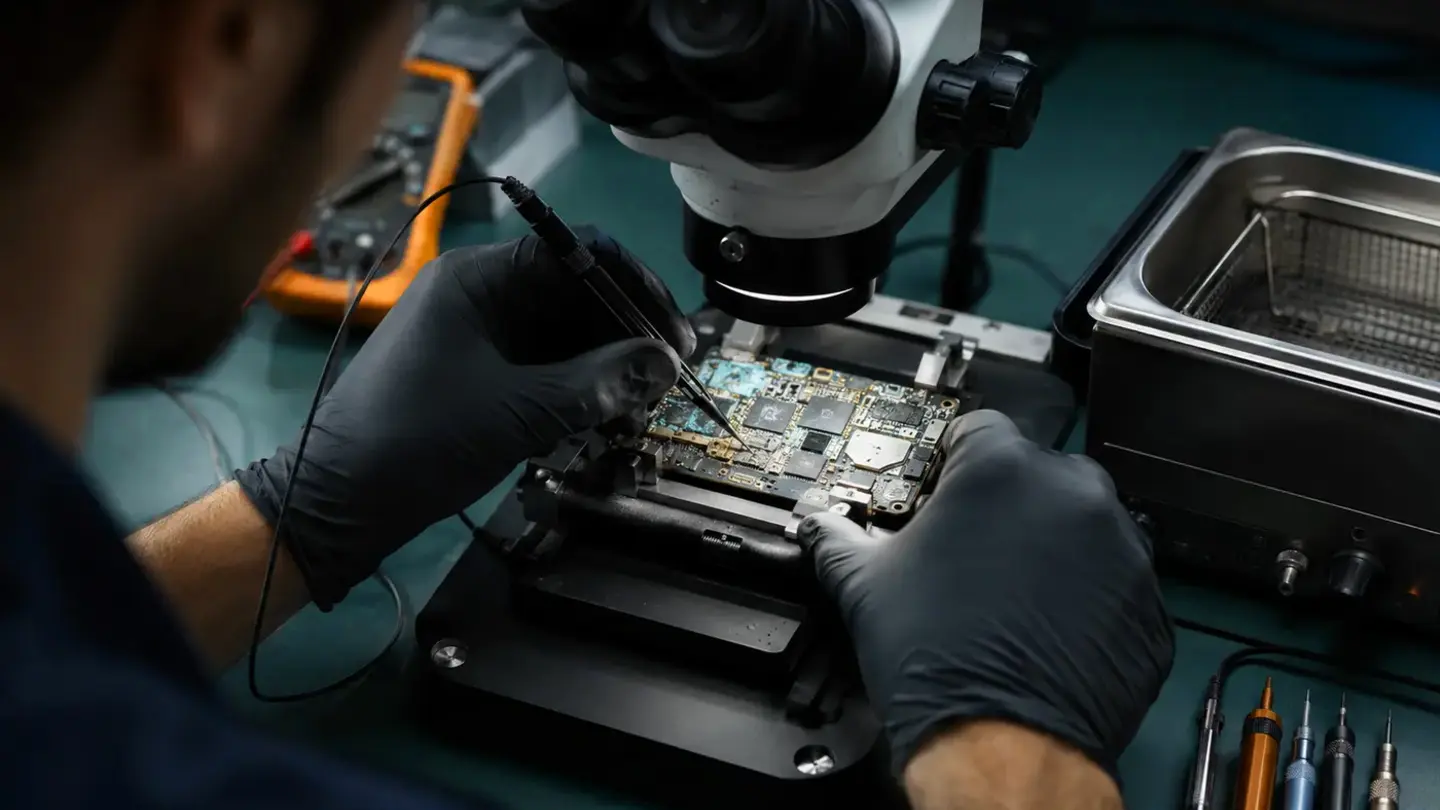
Power down and disconnect
Avoid rice, heat and repeated charging
Why the type of liquid matters
Set realistic expectations
The contamination matters as much as the moisture
A successful power-on is not proof of long-term reliability
MacBooks and laptops need special caution around mains power
Questions about liquid-damaged phone: what to do in the first hour
The phone still works—should I keep using it?
Does corrosion stop when the phone feels dry?
Do I need an appointment?
Do both Bristol shops use the same booking system?
What warranty applies?
Will I lose my data?
Helpful guides before you book

Choosing a Phone Repair Service in Bristol: A Practical Checklist

How Long Does a Phone Repair Take in Bristol?

How to Find Your Exact Phone, Tablet or Laptop Model Before Repair
The questions worth answering before a repair
Know the exact model
Understand the quote
Protect important data
Keep the repair record
Need help with this fault?
Important