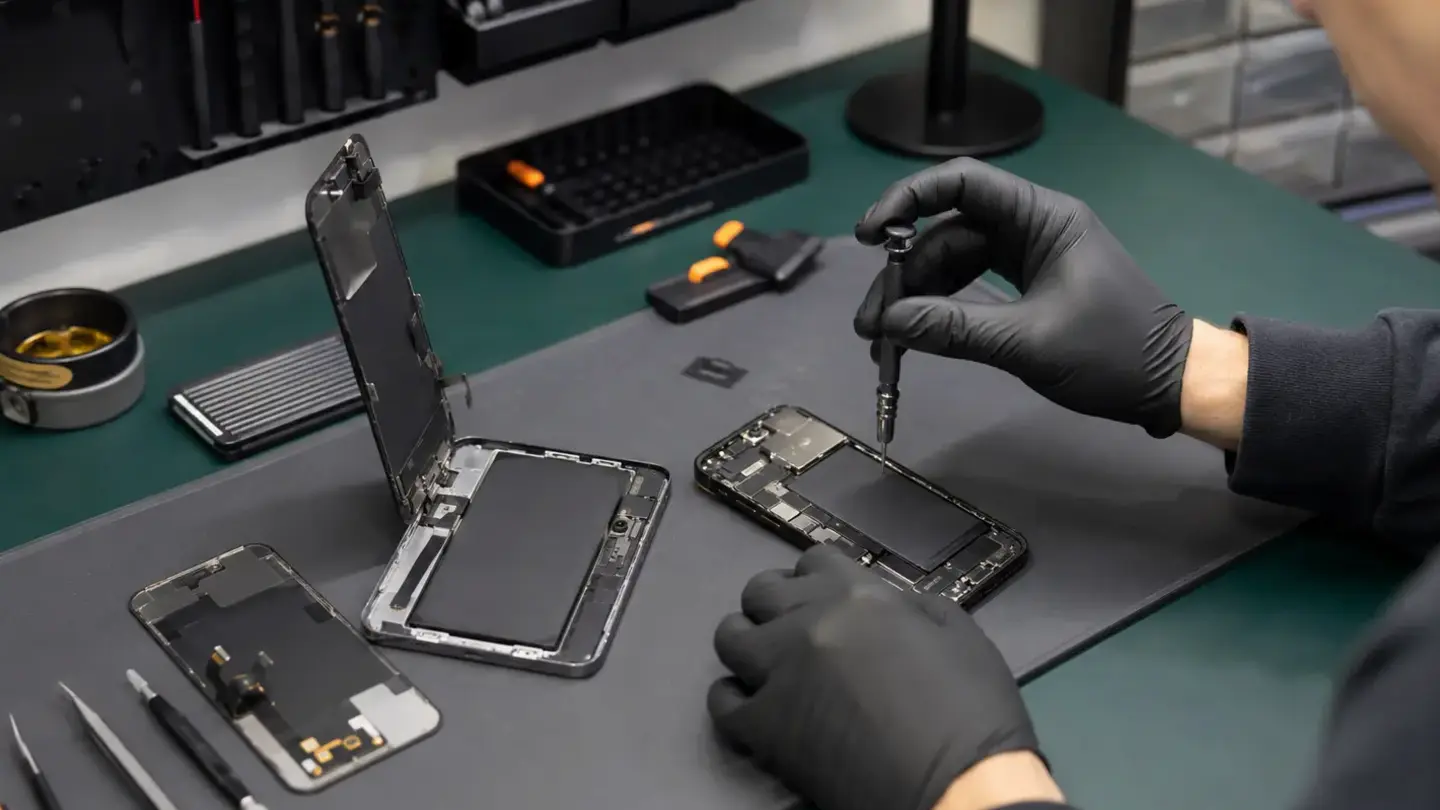
Updated for August 2026. The current iPhone 17 generation includes iPhone 17, iPhone 17 Pro, iPhone 17 Pro Max and iPhone Air. Apple’s Repair Assistant documentation includes iPhone 16 and later for several supported part types, so customers should expect the repair discussion to include software calibration as well as physical fitting.
Key points
- The current iPhone 17 generation includes iPhone 17, iPhone 17 Pro, iPhone 17 Pro Max and iPhone Air.
- “iPhone Air” is the official model name; calling it “iPhone 17 Air” can create confusion when parts are being identified.
- After supported repairs, Settings can show information about replaced components.
- A cracked screen may also have touch, proximity, front-camera or frame symptoms.
Use the correct model name
“iPhone Air” is the official model name; calling it “iPhone 17 Air” can create confusion when parts are being identified. For Pro and Pro Max devices, always include the full suffix too.
Parts and Service History is useful context
After supported repairs, Settings can show information about replaced components. Apple distinguishes statuses such as Genuine, Used, Unknown and Finish Repair depending on the device, part and calibration state. That information is one reason a technician should explain the expected outcome before work starts.
Screen, battery and camera faults can overlap
A cracked screen may also have touch, proximity, front-camera or frame symptoms. Poor battery life may be battery wear, but heat or charging faults deserve diagnosis. Camera problems after impact can involve the lens, module, stabilisation, housing or board connection.
Keep a pre-repair record
Back up important data and note the current fault, battery health if relevant and any existing warnings in Settings. A simple before-and-after record makes testing and warranty conversations much clearer.
Need a repair assessment in Bristol?
Tell us the exact model, the symptom, any impact or liquid exposure and whether the device has been repaired before. Request a repair booking, browse device repairs or visit Union Street or Gloucester Road.