Get your repair started in about 30 seconds
Fast local device repair from Fone Revive, with walk-in service at Union Street and Gloucester Road.
We repair all major devices
How to recognise battery wear, swelling, heat and unexpected shutdowns—and when to stop using the phone. Shorter runtime is normal as a lithium-ion battery ages, but lifting screens, unusual heat, chemical smells and rapid swelling are not ordinary inconvenience. Knowing the difference between routine wear and a safety warning protects the device and the people around it. Gradual loss of runtime, slower performance under heavy load and a battery-health warning can indicate ordinary wear. Sudden shutdown at a high percentage, large percentage jumps, failure to charge or heat during light use can also involve charging, software or board faults, so the battery should not be assumed to be the only cause. A swollen cell may lift the display or separate the rear cover. Do not press the panel back down, puncture the battery, continue charging it or leave it in a hot vehicle. Power the device off if this can be done safely, keep it away from flammable material and arrange professional handling. If it is smoking or hissing, move away and contact emergency services. Note which charger and cable are used, whether heat appears during charging or normal use, and whether the fault began after impact, liquid or an update. A technician can compare charging behaviour, battery condition and power consumption. This reduces the risk of replacing a battery when the real fault is elsewhere. Avoid prolonged high temperatures and repeated deep discharge. Use a suitable charger, keep ports clean and allow ventilation during demanding tasks. Battery-protection settings can reduce time spent at full charge on supported models. These habits slow wear but cannot reverse an already degraded or swollen cell. Software battery-health figures are useful trend indicators, not laboratory measurements. A device can show an acceptable percentage and still have shutdown, swelling or voltage-drop problems under load. Conversely, an aged battery with reduced capacity may remain electrically stable. Physical condition and real-use symptoms matter alongside the number. High temperature is one of the strongest practical contributors to lithium-ion ageing. Heavy gaming while charging, leaving a phone in direct sun or repeatedly using unsuitable charging accessories can raise cell temperature. Smart charging features can reduce time spent at a high state of charge, but they cannot reverse chemical ageing already present. If the phone is hot in standby, restarts repeatedly, loses power only when a particular camera or radio is used, or refuses to charge with multiple known-good accessories, a wider power diagnosis may be needed. Replacing the battery first can hide the real issue and adds unnecessary cost. This guide is general information, not a remote diagnosis. Stop using a device that is swollen, smoking, hissing, excessively hot or otherwise unsafe. If your question is not here, call, email or message the team. No. Software load, poor signal, charging accessories and board faults can also generate heat; inspection is needed if it is persistent or unusual. No. A swollen lithium-ion cell should be handled as damaged and replaced or recycled through an appropriate route. No. Walk-ins are welcome at Union Street and Gloucester Road. If you book online, choose the store you intend to visit and continue in that branch’s booking system. No. Broadmead / Union Street and Gloucester Road have separate booking destinations so each store receives its own bookings directly. The Phone Repair Bristol booking page simply helps you choose the correct branch. Eligible repairs include the warranty stated on the booking or invoice for the fitted part and related technical fault. New impact, liquid damage and unrelated faults are excluded. Most hardware repairs do not intentionally erase data, but data can never be guaranteed on a faulty device. Back up important information whenever possible. Questions to ask about diagnosis, parts, timing, warranty, data and collection before authorising a repair. A realistic guide to same-day repairs, diagnosis time, part availability, workshop queues and final quality checks. A practical guide to finding iPhone, Samsung, Pixel, iPad, MacBook and Windows laptop model information before requesting a repair quote. A better repair decision starts with the right information, not just a price. The complete model or model code helps the team check the correct part, expected repair route and availability before you travel. A useful quote explains the known work, part choice and what could still change after diagnosis. Extra work should not be added without authorisation. Maintain a current backup where possible and avoid sending passcodes or passwords through ordinary enquiry messages. Your booking reference and invoice make aftercare, warranty questions and future repair history much easier to understand. Book an assessment, message the team or walk in at either Bristol shop.
Phone Battery Warning Signs You Should Not Ignore
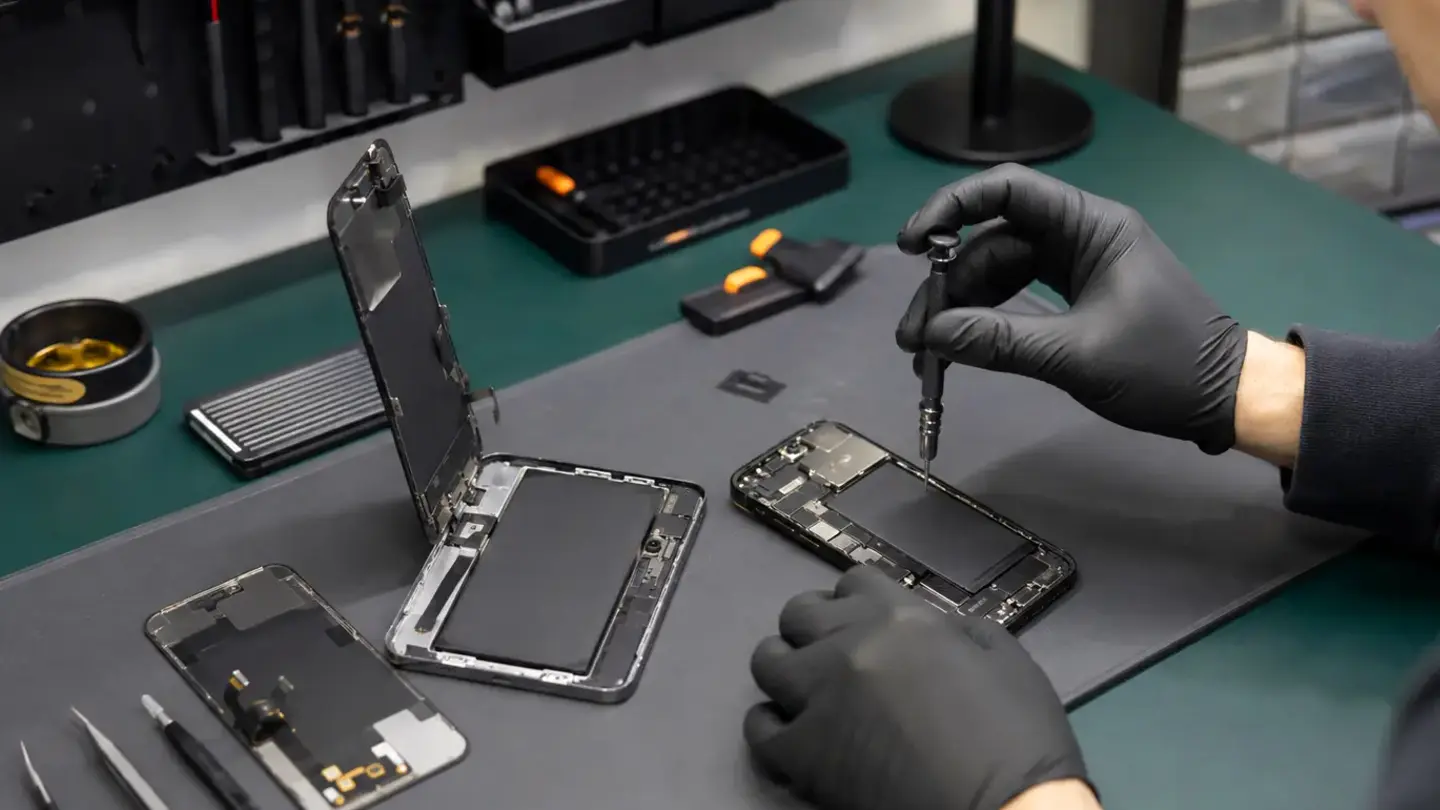
Normal ageing versus a developing fault
Treat swelling seriously
Useful checks before replacement
Helping the next battery last
Battery health percentages are estimates
Charging habits that create heat accelerate wear
When battery replacement is not the right first repair
Questions about phone battery warning signs you should not ignore
Is a hot phone always a battery fault?
Can a swollen battery be reused?
Do I need an appointment?
Do both Bristol shops use the same booking system?
What warranty applies?
Will I lose my data?
Helpful guides before you book

Choosing a Phone Repair Service in Bristol: A Practical Checklist

How Long Does a Phone Repair Take in Bristol?

How to Find Your Exact Phone, Tablet or Laptop Model Before Repair
The questions worth answering before a repair
Know the exact model
Understand the quote
Protect important data
Keep the repair record
Need help with this fault?