Why devices restart repeatedly, what evidence helps diagnosis and when to avoid resets because data recovery matters more. Repeated restarting can be caused by software corruption, low or failing storage, power instability, liquid damage, thermal faults or a failed peripheral. The safest route depends on whether the data is backed up and whether the restart began after an update, drop, liquid event or previous repair. A device that restarts before the logo, during login, only when a charger is connected or after several minutes provides different evidence. Error codes, panic logs and recovery screens can be valuable. Photograph them instead of relying on memory. A weak battery, damaged charging path or board-level power fault can collapse under load as the operating system starts. This is why a restart loop is not automatically a software problem even when a restore temporarily changes the behaviour. Corrupted files can stop an operating system loading, but failing flash storage or SSD hardware can corrupt files repeatedly. Reinstalling software onto failing storage may only delay the return of the fault and can destroy recoverable data. If the only copy of important data is on the device, repeated factory resets, restores or major updates can work against recovery. Tell the workshop before software is erased so the diagnostic plan can protect the data objective. This guide is general information, not a remote diagnosis. Stop using a device that is swollen, smoking, hissing, excessively hot or otherwise unsafe. If your question is not here, call, email or message the team. Yes. Power instability can cause repeated restarting, although software, storage and board faults are also possible. Only when data is safely backed up and a reset is appropriate to the diagnosis. It should not be the automatic first step on a data-critical device. No. Walk-ins are welcome at Union Street and Gloucester Road. Booking helps the team prepare and gives you a preferred time. The website records a preferred slot. The team confirms availability after checking the fault, parts and workshop capacity. Eligible repairs include the warranty stated on the booking or invoice for the fitted part and related technical fault. New impact, liquid damage and unrelated faults are excluded. Most hardware repairs do not intentionally erase data, but data can never be guaranteed on a faulty device. Back up important information whenever possible. Questions to ask about diagnosis, parts, timing, warranty, data and collection before authorising a repair. A realistic guide to same-day repairs, diagnosis time, part availability, workshop queues and final quality checks. A practical guide to finding iPhone, Samsung, Pixel, iPad, MacBook and Windows laptop model information before requesting a repair quote. A better repair decision starts with the right information, not just a price. The complete model or model code helps the team check the correct part, expected repair route and availability before you travel. A useful quote explains the known work, part choice and what could still change after diagnosis. Extra work should not be added without authorisation. Maintain a current backup where possible and avoid sending passcodes or passwords through ordinary enquiry messages. Your booking reference and invoice make aftercare, warranty questions and future repair history much easier to understand. Book an assessment, message the team or walk in at either Bristol shop.
Phone or Laptop Stuck in a Boot Loop: Software, Storage or Hardware?
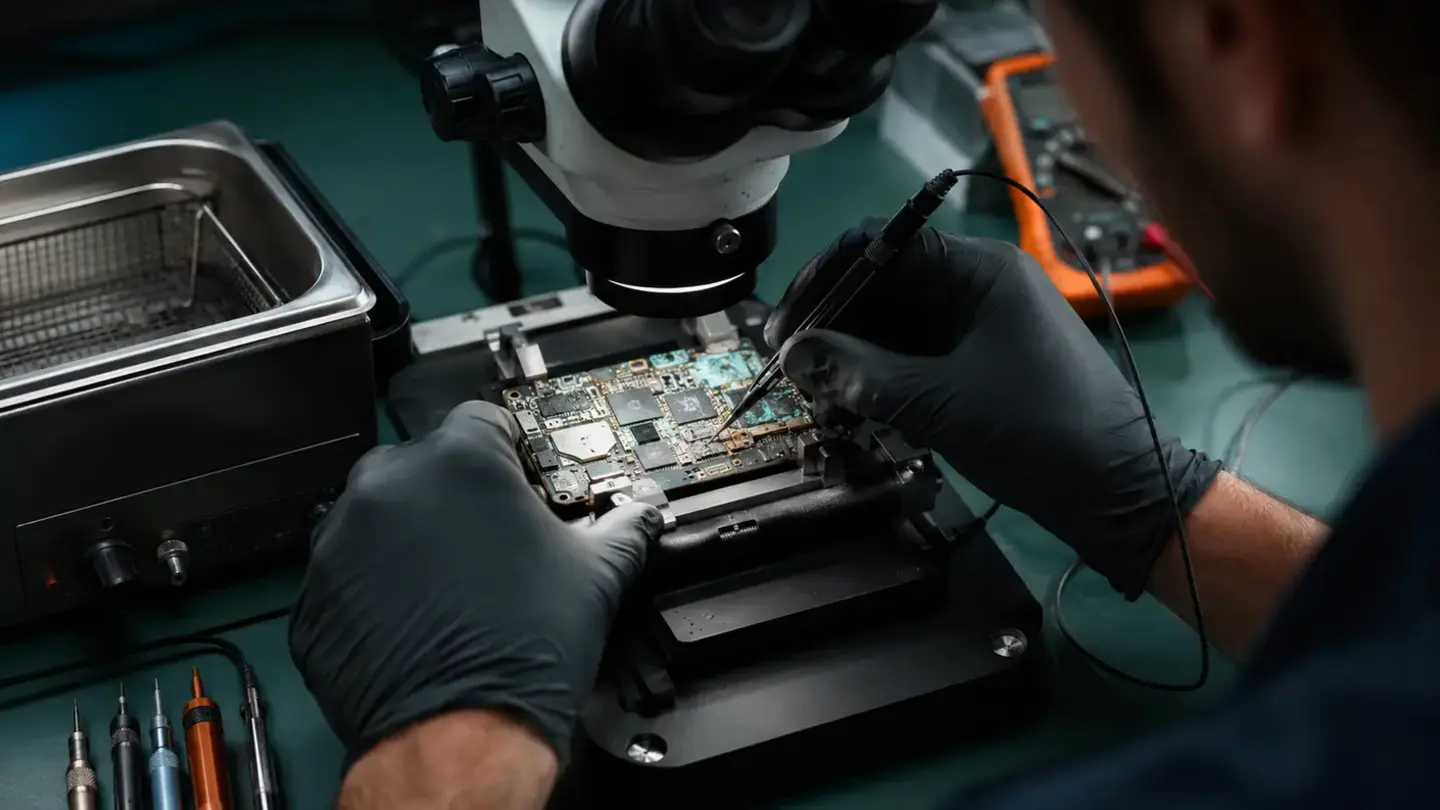
Record the exact point where startup fails
Battery and power instability can trigger restarts
Storage and software faults often look similar
Data priority comes before destructive troubleshooting
Questions about phone or laptop stuck in a boot loop: software, storage or hardware?
Can a bad battery cause a boot loop?
Should I factory-reset a boot-looping phone?
Do I need an appointment?
Is the selected time guaranteed?
What warranty applies?
Will I lose my data?
Helpful guides before you book

Choosing a Phone Repair Service in Bristol: A Practical Checklist

How Long Does a Phone Repair Take in Bristol?

How to Find Your Exact Phone, Tablet or Laptop Model Before Repair
The questions worth answering before a repair
Know the exact model
Understand the quote
Protect important data
Keep the repair record
Need help with this fault?
Important