Common PlayStation, Xbox and Nintendo symptoms, safe checks and when internal diagnosis is needed. No picture, sudden shutdown and loud fans can look related but involve different systems. A useful console diagnosis begins with the exact symptom and setup, then separates display-path, cooling, power and storage faults. Test a known-good HDMI cable and a different television input where possible. Confirm the console power cable is secure and disconnect non-essential USB accessories. Record whether the console light changes, whether sound is present and whether safe mode appears. Do not repeatedly force a visibly bent HDMI plug. Keep vents clear and avoid enclosed cabinets or deep carpet. A loud fan can indicate dust, restricted airflow, worn thermal materials or another internal issue. If the console displays temperature warnings, shuts down under load or smells hot, stop repeated testing until it can be inspected. A damaged port may have bent pins, movement or broken solder connections. No-signal faults can also involve the HDMI circuit or settings, so the port should not be replaced from symptoms alone. Board-level work requires suitable equipment, alignment and testing after the repair. Forced shutdowns and power faults can affect storage. Use supported cloud or external backups where available and avoid interrupting updates. Tell the technician about unusual noises, failed updates and previous storage changes because these details can alter the diagnostic route. Final testing should cover stable output, cooling, storage access and the original reported symptom. Photograph or write down the exact error code, colour and sequence of lights, and whether the fan or drive starts. Intermittent console faults often disappear on a bench, so this evidence can shorten diagnosis and prevent a symptom being reduced to “does not work.” A damaged port may pull copper pads or traces from the motherboard. Fitting a new socket onto damaged pads without rebuilding the connections can create an unreliable repair. Magnification and continuity testing determine whether the job is a connector replacement or deeper board work. A console that simply powers on after cleaning has not proven that an overheating problem is solved. The repair should be checked under realistic load while watching fan behaviour and shutdown symptoms. The exact test depends on the model and original fault. This guide is general information, not a remote diagnosis. Stop using a device that is swollen, smoking, hissing, excessively hot or otherwise unsafe. If your question is not here, call, email or message the team. No. Cable, display settings and HDMI-circuit faults can create similar symptoms, so inspection and testing are important. No. Cleaning may restore airflow, but fan, power, thermal or board faults can also cause shutdowns and excess heat. No. Walk-ins are welcome at Union Street and Gloucester Road. If you book online, choose the store you intend to visit and continue in that branch’s booking system. No. Broadmead / Union Street and Gloucester Road have separate booking destinations so each store receives its own bookings directly. The Phone Repair Bristol booking page simply helps you choose the correct branch. Eligible repairs include the warranty stated on the booking or invoice for the fitted part and related technical fault. New impact, liquid damage and unrelated faults are excluded. Most hardware repairs do not intentionally erase data, but data can never be guaranteed on a faulty device. Back up important information whenever possible. Questions to ask about diagnosis, parts, timing, warranty, data and collection before authorising a repair. A realistic guide to same-day repairs, diagnosis time, part availability, workshop queues and final quality checks. A practical guide to finding iPhone, Samsung, Pixel, iPad, MacBook and Windows laptop model information before requesting a repair quote. A better repair decision starts with the right information, not just a price. The complete model or model code helps the team check the correct part, expected repair route and availability before you travel. A useful quote explains the known work, part choice and what could still change after diagnosis. Extra work should not be added without authorisation. Maintain a current backup where possible and avoid sending passcodes or passwords through ordinary enquiry messages. Your booking reference and invoice make aftercare, warranty questions and future repair history much easier to understand. Book an assessment, message the team or walk in at either Bristol shop.
Console Overheating, HDMI and Power Faults Explained
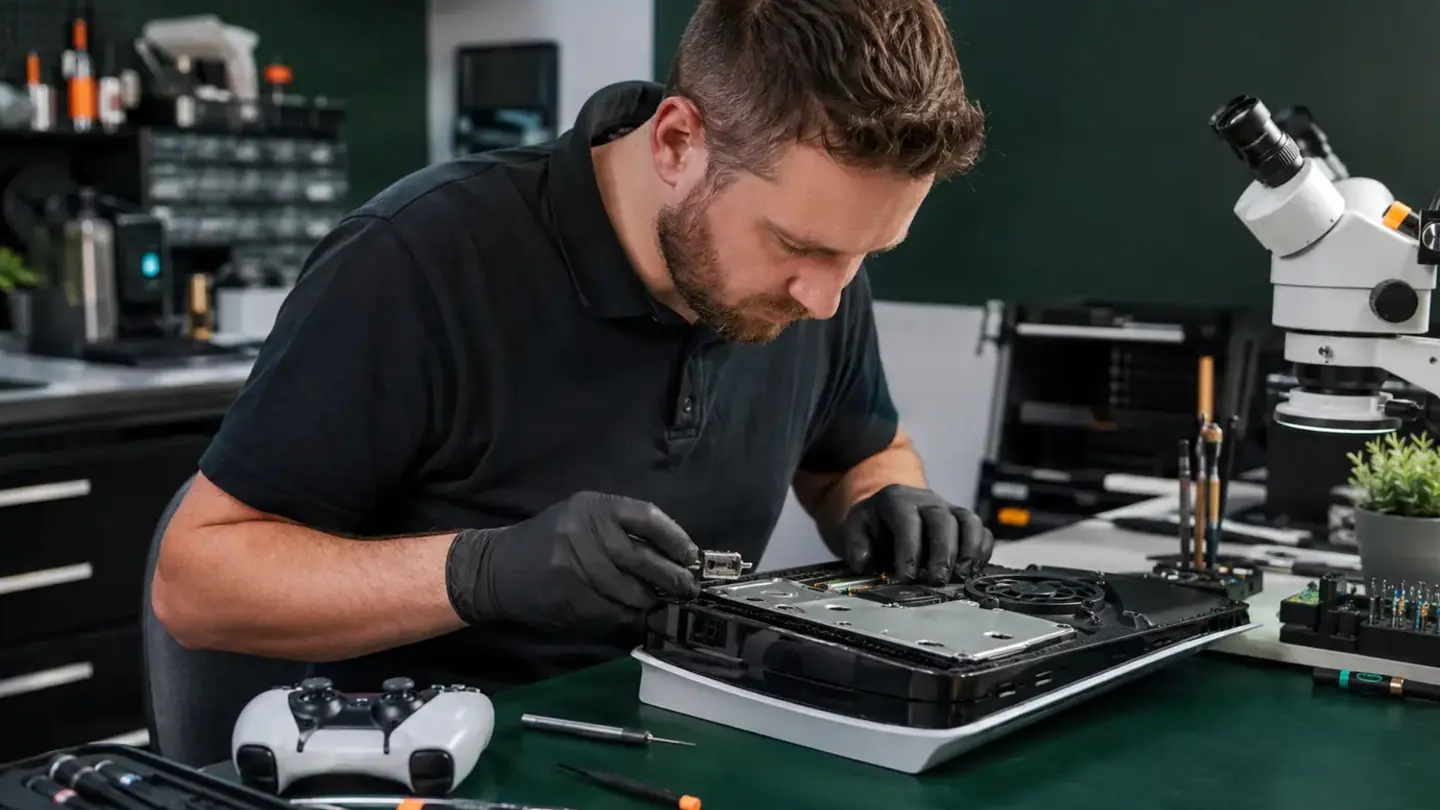
Rule out the external setup
Overheating and airflow
HDMI faults need physical examination
Protect game data and storage
Error codes and light patterns are valuable
HDMI repair needs inspection of the board pads
Thermal service should be followed by load testing
Questions about console overheating, hdmi and power faults explained
Does no picture always mean a broken HDMI port?
Can cleaning fix every overheating console?
Do I need an appointment?
Do both Bristol shops use the same booking system?
What warranty applies?
Will I lose my data?
Helpful guides before you book

Choosing a Phone Repair Service in Bristol: A Practical Checklist

How Long Does a Phone Repair Take in Bristol?

How to Find Your Exact Phone, Tablet or Laptop Model Before Repair
The questions worth answering before a repair
Know the exact model
Understand the quote
Protect important data
Keep the repair record
Need help with this fault?
Important