Get your repair started in about 30 seconds
Fast local device repair from Fone Revive, with walk-in service at Union Street and Gloucester Road.
We repair all major devices
Thermal shutdown, loud fans, blocked airflow and cooling-system problems. Thermal shutdown, loud fan, blocked airflow and cooling-system service. Airflow, dust, fan behaviour, thermal materials and power faults can all cause shutdown. Stop repeated gaming after heat warnings and note when the fan becomes loud. The final route, price and expected timing are agreed after model, condition and part availability are confirmed. Airflow, dust, fan behaviour, thermal materials and power faults can all cause shutdown. The technician begins with the reported symptom, then checks related functions so the recommended work addresses evidence rather than the most obvious part. Stop repeated gaming after heat warnings and note when the fan becomes loud. Include when the fault began, whether it changes with movement or temperature, recent software changes, and anything another repairer has already attempted. Part availability and repairability depend on the exact model and condition. You should receive a clear proposed scope and price before material work starts, with further approval requested if inspection reveals a different fault or additional damage. After the agreed work, relevant functions are checked as far as the device condition permits. Keep the invoice and warranty information, inspect the device at collection, and report a related concern promptly so it can be reassessed. Blocked fins, a failing fan, poor thermal contact, dried interface material or an electrical fault can all raise temperature. A useful service checks airflow and operating behaviour rather than simply removing visible dust from the outer vents. A console that overheats after ten minutes of a demanding game is different from one that shuts down immediately at startup. Note the fan noise, warning message and whether the console is enclosed in furniture. This helps reproduce the conditions without unnecessary stress testing. Protection shutdowns are designed to prevent damage. Continuing to force the console through them can add stress to storage, power and board components. Stop heavy use and have the cooling path checked before the symptom becomes a permanent failure. Start typing an iPhone, Galaxy, Pixel, Huawei, MacBook, laptop, tablet or console model. Can’t find it? Type the model manually in the booking form or bring it in for identification. Stop using a console that repeatedly overheats or shuts down. Continued use can worsen internal damage. Search by the name written on the device, box or settings screen. Choose the symptom and add anything useful in the booking notes. Select Union Street or Gloucester Road and a preferred slot. Receive a reference, then our team confirms the appointment. If your question is not here, call, email or message the team. Airflow, dust, fan behaviour, thermal materials and power faults can all cause shutdown. That is why the exact model and related functions are checked before the repair is treated as a simple part replacement. The repaired function and closely related systems should be checked as far as the condition of the device permits. Any pre-existing fault that limits testing should be recorded. The exact model, reported symptom, visible condition and related functions are checked before a repair route is confirmed. Testing helps avoid replacing a part that does not address the cause. Model variant, part choice, stock, frame or housing condition, previous work and additional faults found during inspection can affect price. Material changes should be authorised before work continues. Common repairs may be available the same day when parts and capacity allow. Complex diagnosis, liquid damage, data work and board repair generally need longer. Back up important data where possible, identify the exact model and note liquid, impact, previous repair and intermittent symptoms. No. Walk-ins are welcome at Union Street and Gloucester Road. If you book online, choose the store you intend to visit and continue in that branch’s booking system. No. Broadmead / Union Street and Gloucester Road have separate booking destinations so each store receives its own bookings directly. The Phone Repair Bristol booking page simply helps you choose the correct branch. Questions to ask about diagnosis, parts, timing, warranty, data and collection before authorising a repair. Common PlayStation, Xbox and Nintendo symptoms, safe checks and when internal diagnosis is needed. A realistic guide to same-day repairs, diagnosis time, part availability, workshop queues and final quality checks. A better repair decision starts with the right information, not just a price. No signal, no power, shutdown under load and error codes point to different systems. Photograph error messages and note light or beep patterns. For HDMI or controller faults, the cable or controller may be useful when agreed. Do not bring unrelated accessories that are not part of the problem. Cloud saves and local storage differ between platforms and accounts. Check synchronisation before storage or software work when the console is stable enough. A console that powers on is not necessarily repaired. HDMI, thermal and power faults may need realistic use or load testing after the work. Choose Broadmead / Union Street or Gloucester Road, then continue to that shop’s own booking system. Walk-ins remain welcome.
Console Fan & Overheating Repair Bristol
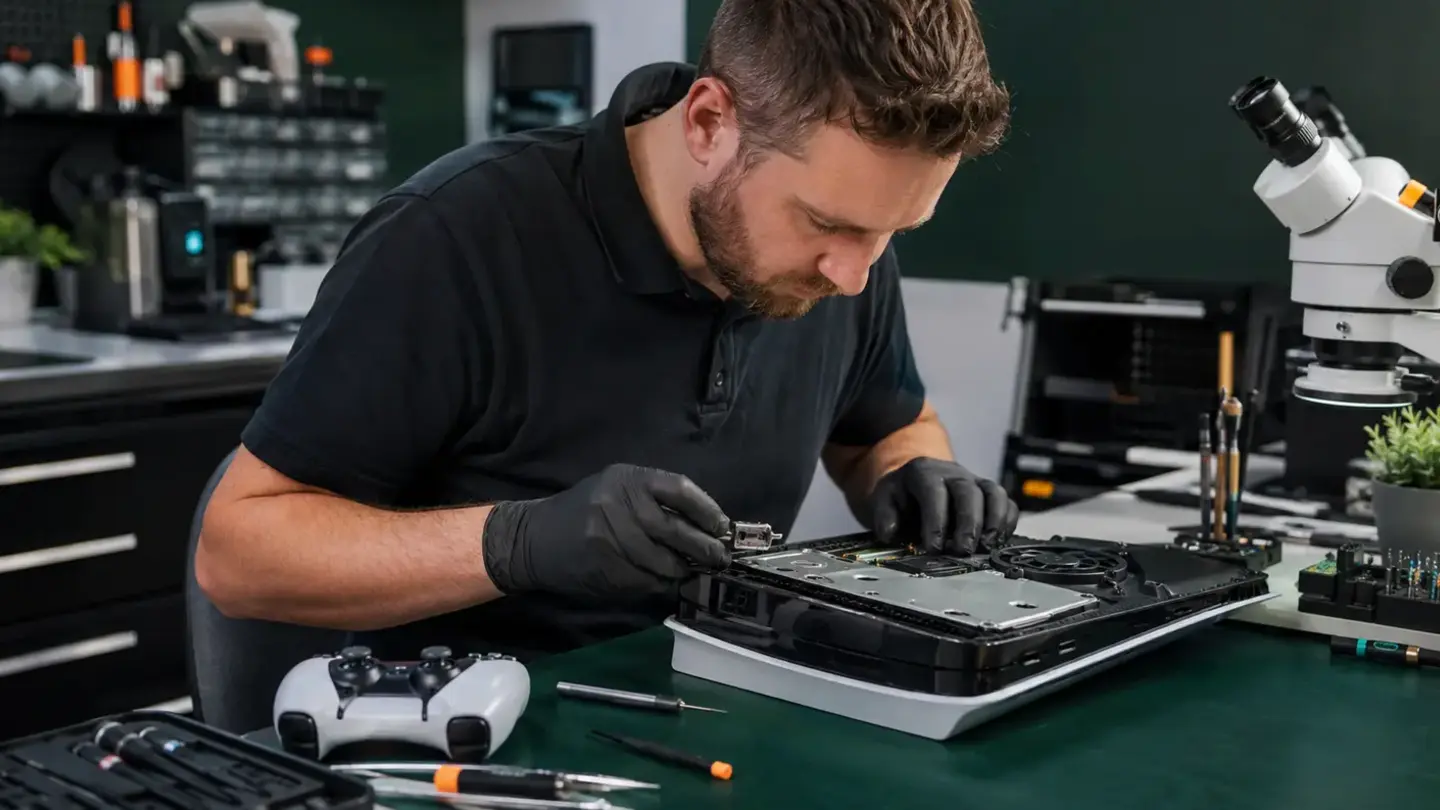
What to know about fan & overheating
How fan & overheating is assessed
Useful information before inspection
Parts, price and approval
Testing and collection
Dust is only one part of cooling performance
Shutdown timing is valuable evidence
Repeated thermal shutdowns should not be ignored
Search your device model
Cooling-system checks
From fault to booked visit
Find your model
Tell us the fault
Choose shop & time
Get confirmation
Questions about fan & overheating
Can this symptom have another cause?
What should be tested after fan & overheating?
How is fan & overheating diagnosed?
What can change the quoted price?
How long should I allow?
What should I do before booking?
Do I need an appointment?
Do both Bristol shops use the same booking system?
Helpful guides before you book

Choosing a Phone Repair Service in Bristol: A Practical Checklist
Console Overheating, HDMI and Power Faults Explained

How Long Does a Phone Repair Take in Bristol?
The questions worth answering before a repair
Record the exact symptom
Bring only the relevant accessories
Protect local game data where possible
Ask what will be load-tested
Ready to get your device checked?