Get your repair started in about 30 seconds
Fast local device repair from Fone Revive, with walk-in service at Union Street and Gloucester Road.
We repair all major devices
Repair assessment for Huawei Pura, P, Mate and nova models plus Honor Magic, number and X series. Pura, P, Mate, nova, Magic, number and X-series devices use different parts even when names look similar. Settings, packaging or the model code can help identify the correct version. Mention Google-service availability, account locks and any previous software work before authorising resets. Work and price are confirmed after the device and required route are checked. Devices in the same family can use different displays, batteries, connectors, cameras and housings. The model number, storage version, colour and regional variant help the team check likely parts before promising a price or completion time. The reported symptom is checked against visible condition, impact, liquid history, software behaviour and any previous repair. Straightforward faults may be quoted quickly; intermittent, liquid or board-level problems can require a staged assessment. Where choices exist, ask how the available parts differ and what functions will be tested. The agreed invoice should identify the work and applicable warranty, while unrelated damage, new impact, liquid and wear remain separate issues. P, Pura, Mate, nova, Magic, number and X-series phones often have regional variants that look almost identical. The model code in Settings or on the original box is more reliable than appearance alone. That code can affect display, battery, charging board, housing and camera compatibility. Some models use curved OLED panels while others use flatter OLED or LCD assemblies. A coloured line, black area or flicker points to panel damage rather than simple outer-glass cosmetic damage. A distorted frame can also prevent a replacement panel from sitting correctly and should be discussed before work is approved. Fast drain and shutdowns can be battery-related, but a weak charger, damaged USB-C port, background software activity or board power fault can produce similar complaints. Heat during light use deserves attention, especially after liquid or impact. A swollen battery should not be kept on charge. Multi-camera phones may have a main, wide, telephoto or depth module. One failed module can present as a black preview or focus problem only at a particular zoom level. Testing individual modes gives a better repair plan than replacing the first visible camera part. Before authorising a reset or software reinstall, confirm that important data is backed up and that required account credentials are available. Some models and regional software versions can differ in service availability, so software work should be planned around the actual device rather than assumptions based on the brand name. Start typing an iPhone, Galaxy, Pixel, Huawei, MacBook, laptop, tablet or console model. Can’t find it? Type the model manually in the booking form or bring it in for identification. Choose the closest symptom. A technician can confirm the exact cause after inspection. Cracked glass, touch faults, lines, black display and OLED damage. Rapid drain, unexpected shutdowns, swelling and poor battery health. Loose ports, no charge, power faults and damaged charging connectors. Rear-glass and housing replacement with careful device protection. Camera focus, black image, shaking, lens glass and module faults. Quiet sound, call audio, microphone, earpiece and loudspeaker faults. Power, volume, mute and damaged side-button flex repairs. Assessment for biometric, proximity and related sensor faults. If your question is not here, call, email or message the team. The exact model, reported symptom, visible condition and related functions are checked before a repair route is confirmed. Testing helps avoid replacing a part that does not address the cause. Model variant, part choice, stock, frame or housing condition, previous work and additional faults found during inspection can affect price. Material changes should be authorised before work continues. Common repairs may be available the same day when parts and capacity allow. Complex diagnosis, liquid damage, data work and board repair generally need longer. Back up important data where possible, identify the exact model and note liquid, impact, previous repair and intermittent symptoms. No. Walk-ins are welcome at Union Street and Gloucester Road. If you book online, choose the store you intend to visit and continue in that branch’s booking system. No. Broadmead / Union Street and Gloucester Road have separate booking destinations so each store receives its own bookings directly. The Phone Repair Bristol booking page simply helps you choose the correct branch. Eligible repairs include the warranty stated on the booking or invoice for the fitted part and related technical fault. New impact, liquid damage and unrelated faults are excluded. Most hardware repairs do not intentionally erase data, but data can never be guaranteed on a faulty device. Back up important information whenever possible. Questions to ask about diagnosis, parts, timing, warranty, data and collection before authorising a repair. A realistic guide to same-day repairs, diagnosis time, part availability, workshop queues and final quality checks. A practical guide to finding iPhone, Samsung, Pixel, iPad, MacBook and Windows laptop model information before requesting a repair quote. A better repair decision starts with the right information, not just a price. Send the exact model, the visible fault and what happened before it started. A clear photo of physical damage can help with initial triage, although the final quote still depends on inspection. Touch, cameras, Face ID or fingerprint, charging, sound and wireless functions create a useful pre-repair baseline. Mention anything already faulty so the repair can be tested fairly. Back up important photos, messages and authenticator access where possible. Do not send passcodes in normal WhatsApp or email enquiries. If the device has several faults, compare the proposed repair with battery condition, housing damage, replacement value and how long you plan to keep it. Choose Broadmead / Union Street or Gloucester Road, then continue to that shop’s own booking system. Walk-ins remain welcome.
Huawei & Honor Repair Bristol
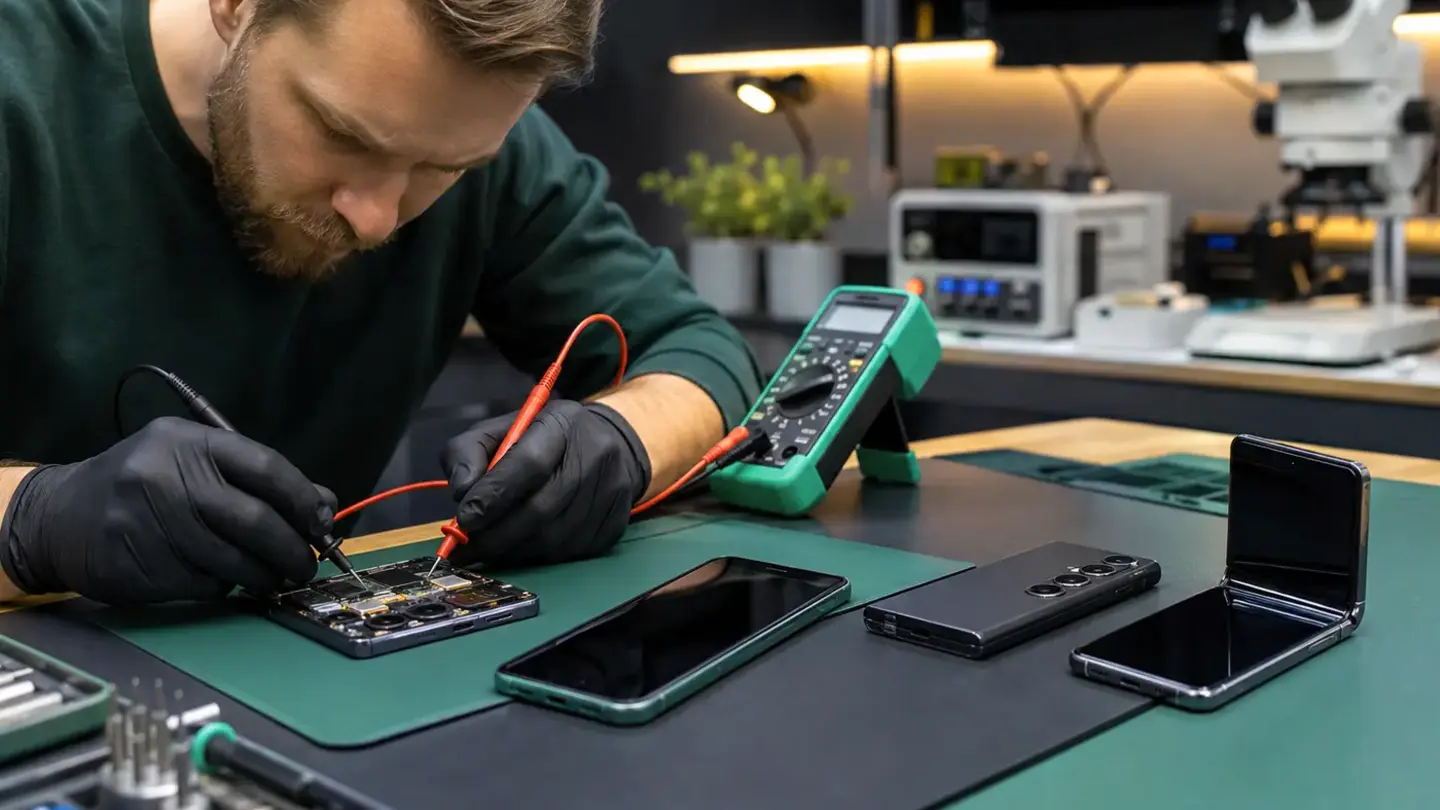
Huawei and Honor repair by exact model
Model identification matters
Diagnosis before authorisation
Parts, testing and aftercare
Exact Huawei or Honor model identification prevents part mistakes
OLED, LCD and curved display differences
Battery, heat and charging diagnosis
Camera systems need mode-by-mode testing
Software and account considerations
Search your device model
Repairs for the faults that interrupt your day
Screen replacement
Battery replacement
Charging & power
Back glass & housing
Camera & lens repair
Speaker & microphone
Buttons & switches
Face ID & fingerprint
A clearer repair journey
Questions about huawei & honor repair
How is huawei & honor repair diagnosed?
What can change the quoted price?
How long should I allow?
What should I do before booking?
Do I need an appointment?
Do both Bristol shops use the same booking system?
What warranty applies?
Will I lose my data?
Helpful guides before you book

Choosing a Phone Repair Service in Bristol: A Practical Checklist

How Long Does a Phone Repair Take in Bristol?

How to Find Your Exact Phone, Tablet or Laptop Model Before Repair
The questions worth answering before a repair
Get a faster quote
Tell us what still works
Protect your data
Repair or replace?
Ready to get your device checked?