Search hundreds of popular models, then choose your fault and preferred Bristol location. Start typing an iPhone, Galaxy, Pixel, Huawei, MacBook, laptop, tablet or console model. Can’t find it? Type the model manually in the booking form or bring it in for identification. Select your device family, then search for the exact model or describe it when booking. Choose the closest symptom. A technician can confirm the exact cause after inspection. Cracked glass, touch faults, lines, black display and OLED damage. Rapid drain, unexpected shutdowns, swelling and poor battery health. Loose ports, no charge, power faults and damaged charging connectors. Rear-glass and housing replacement with careful device protection. Camera focus, black image, shaking, lens glass and module faults. Quiet sound, call audio, microphone, earpiece and loudspeaker faults. Power, volume, mute and damaged side-button flex repairs. Assessment for biometric, proximity and related sensor faults. Reserve a preferred time online, book through WhatsApp, or walk in to either Bristol shop. Phones, tablets, MacBooks, Windows laptops, smartwatches, consoles and controllers are easier to plan when the precise model and symptom are known. Search for the model first, then compare the relevant service page for preparation, safety and diagnostic information. Similar symptoms can come from different parts. Exact identification reduces incorrect part checks and helps the team give a more realistic route. Online times and initial estimates help planning but remain provisional until the device, required part and current workload are checked. Material additional work should be approved before the agreed scope or total is increased. Keep the booking reference and invoice, test the relevant functions promptly and follow any care advice. If a related problem returns, contact the shop before another party opens or alters the device so the applicable warranty can be assessed. A cracked screen is usually straightforward, but no power, charging dropouts, restart loops and liquid damage can have several possible causes. The fastest route is often to record exactly what the device does, what happened immediately before the fault and what still works. That gives the technician a diagnostic starting point without forcing the customer to guess the failed part. Part compatibility can change with generation, region, screen technology, frame colour, processor platform and revision. Searching the exact model before booking allows the workshop to check likely availability and the correct repair procedure instead of treating all iPhones, Galaxy phones, MacBooks or laptops as interchangeable. A simple display or battery fault can often be priced once the model is known. Intermittent, liquid, board-level and data-critical faults may need inspection before a responsible quote is possible. A staged diagnosis protects the customer from paying for a part that does not address the underlying problem. A good repair decision looks at age, specification, battery condition, housing, data, other faults and replacement cost. A recent device with one isolated failure may be an obvious repair; an older device with several developing faults may be better replaced. The aim is to make that choice with evidence. A better repair decision starts with the right information, not just a price. The complete model or model code helps the team check the correct part, expected repair route and availability before you travel. A useful quote explains the known work, part choice and what could still change after diagnosis. Extra work should not be added without authorisation. Maintain a current backup where possible and avoid sending passcodes or passwords through ordinary enquiry messages. Your booking reference and invoice make aftercare, warranty questions and future repair history much easier to understand.
Find your device and repair service
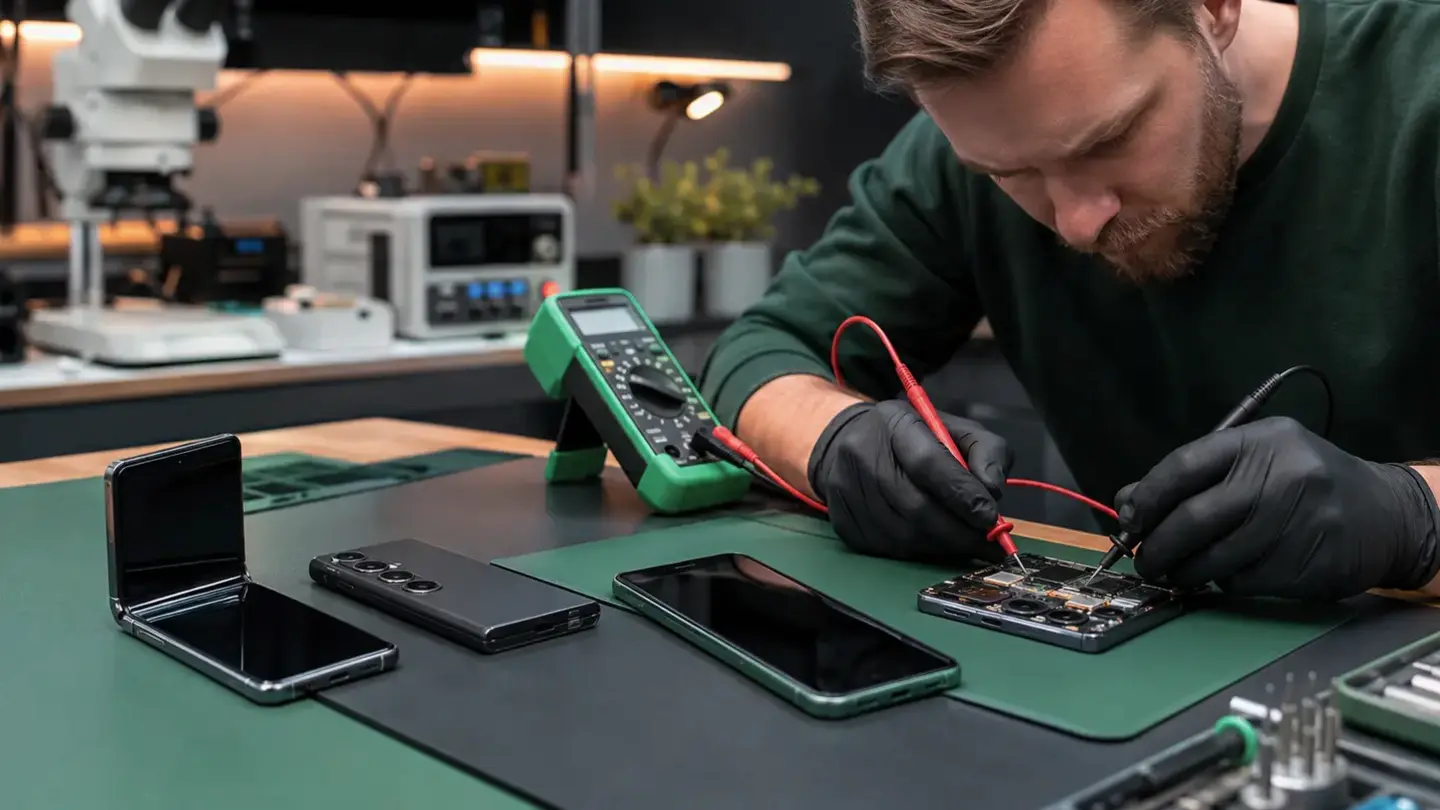
Search your device model
Choose your device family
Repairs for the faults that interrupt your day
Screen replacement
Battery replacement
Charging & power
Back glass & housing
Camera & lens repair
Speaker & microphone
Buttons & switches
Face ID & fingerprint
Ready to get your device checked?
Repairs organised around the exact device
Start with model and symptom—not assumptions
Clear authorisation and realistic timing
Aftercare and repair records
Why experienced repairers start with symptoms
Model-specific repair prevents avoidable mistakes
When diagnosis matters more than a quick quote
Repair or replace? Use the whole-device view
The questions worth answering before a repair
Know the exact model
Understand the quote
Protect important data
Keep the repair record
Bristol device repairs
Fast model finder
Wide model coverage
Repair services
View all services Book or walk in
Before you decide
Want a useful first reply?Send the model, fault, recent damage and preferred Bristol shop. A photo can help when the damage is visible.
Send details on WhatsApp